Science, Engineering and Medical Calculators
Every calculator on ScienceQuest, grouped by use: clinical, chemistry lab, physics, engineering and HVAC, electricity, statistics and biology.
145 tools in 7 groups
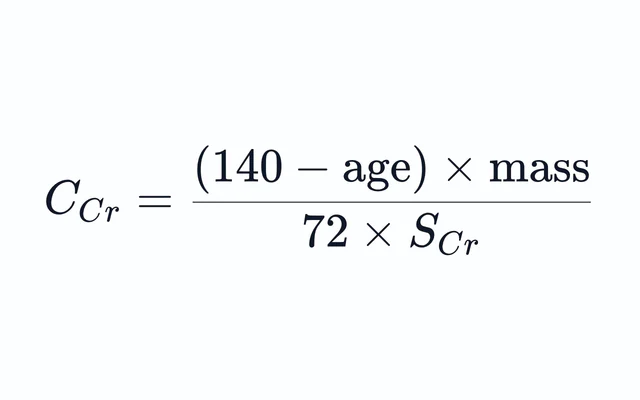
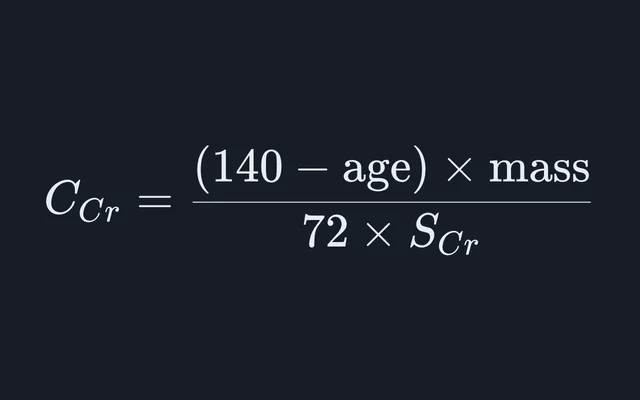
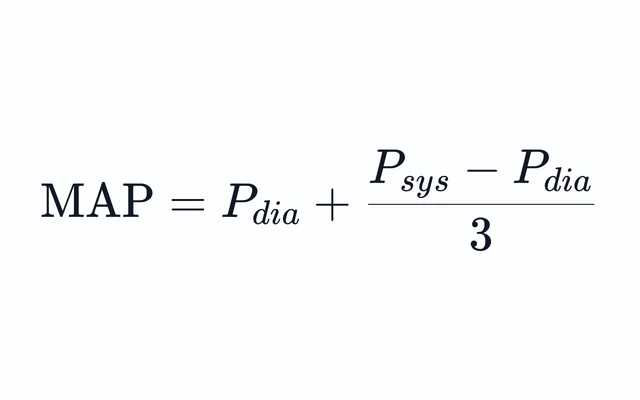
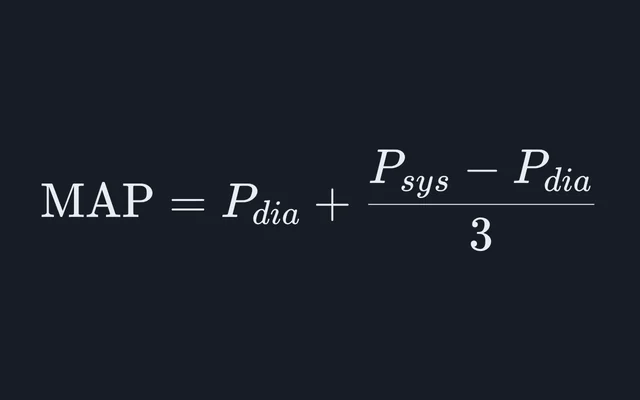
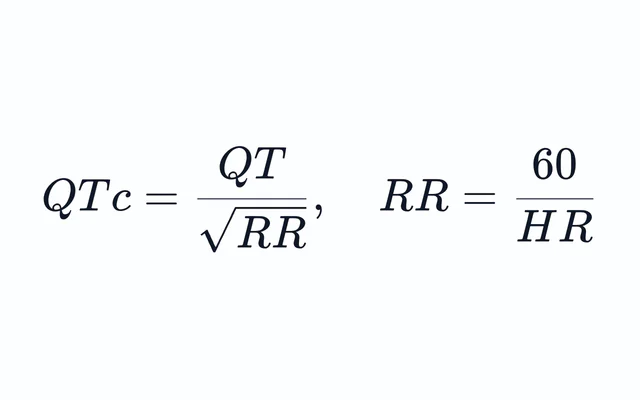
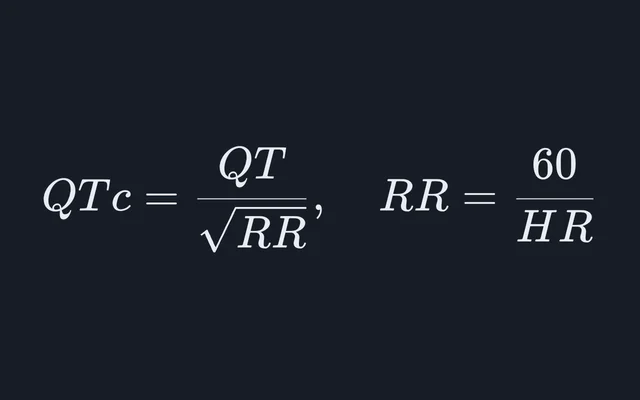
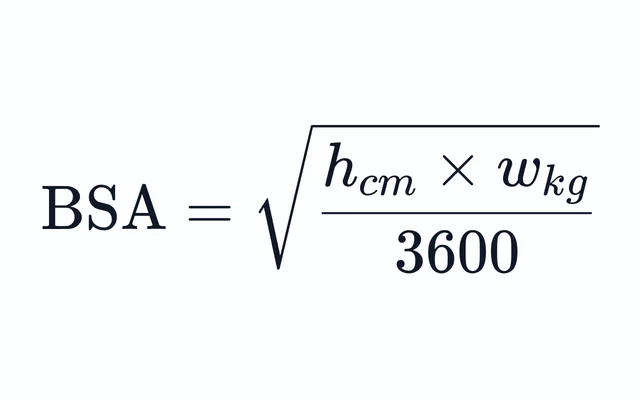
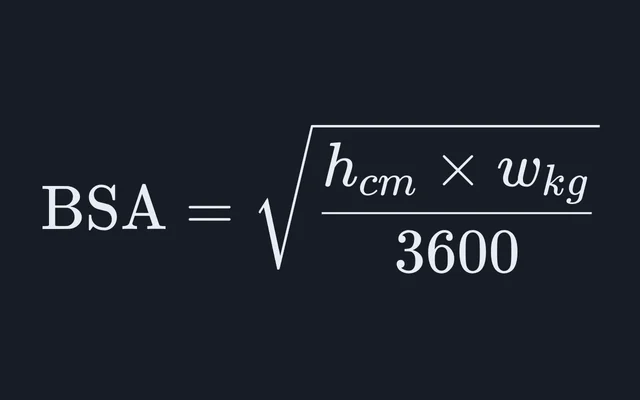
Clinical
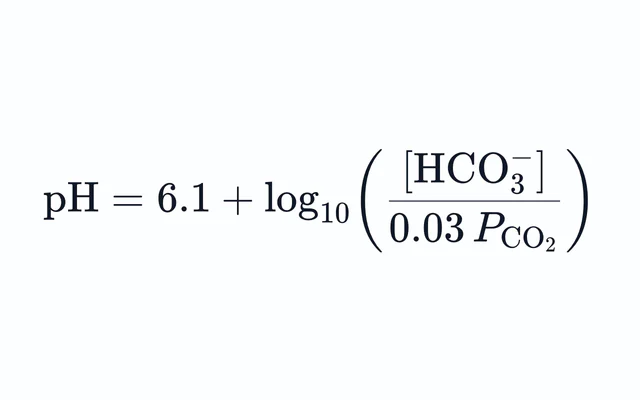
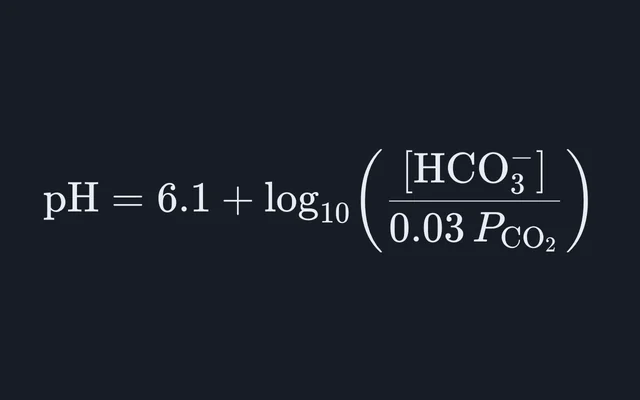
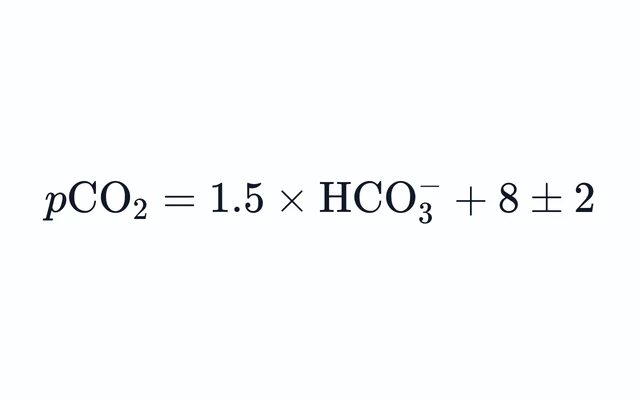
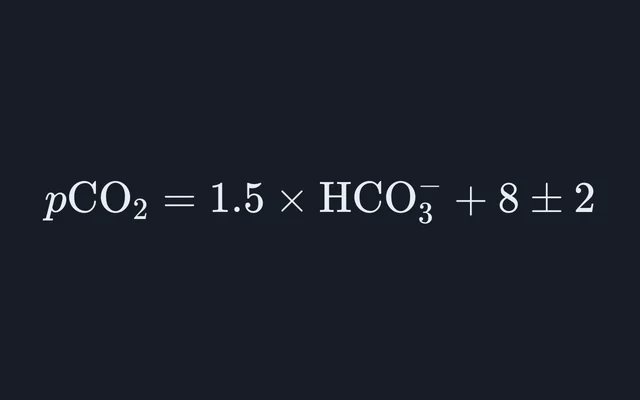
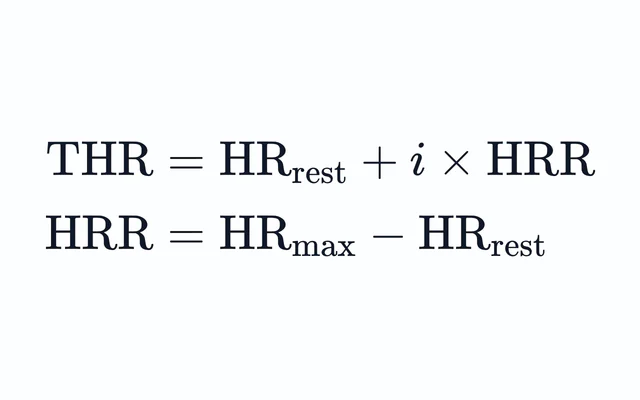
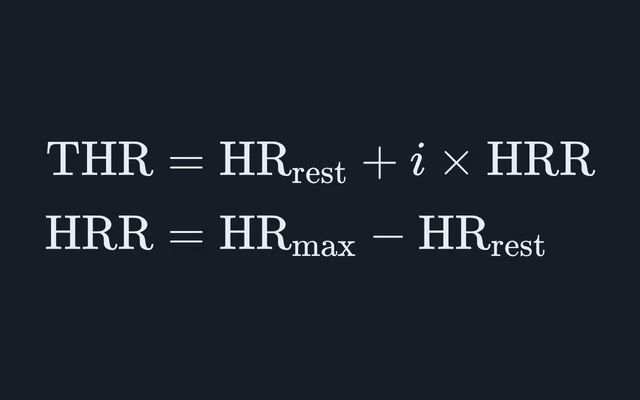
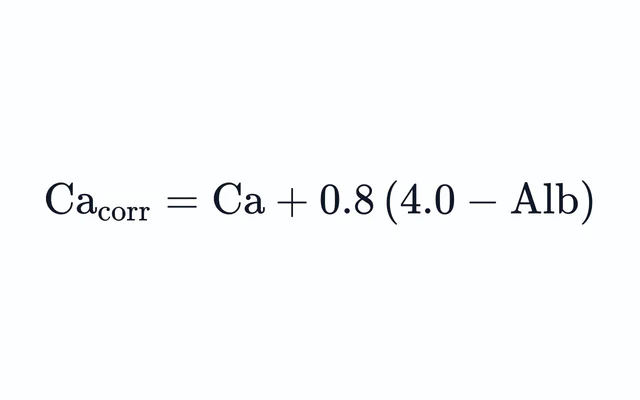
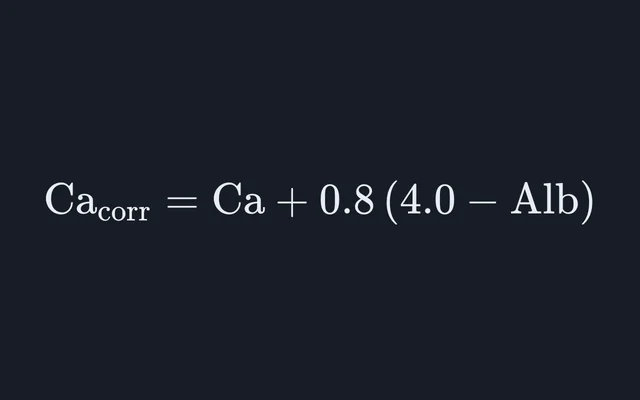
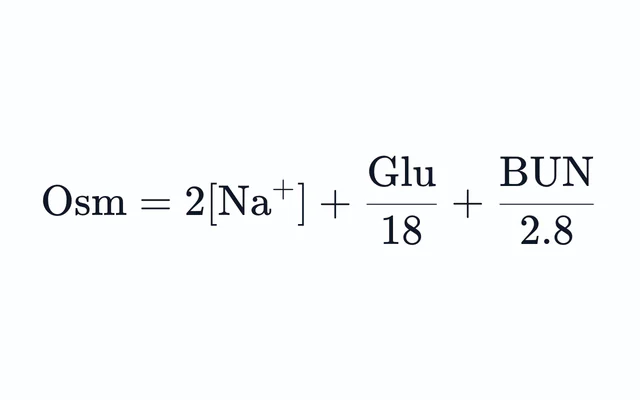
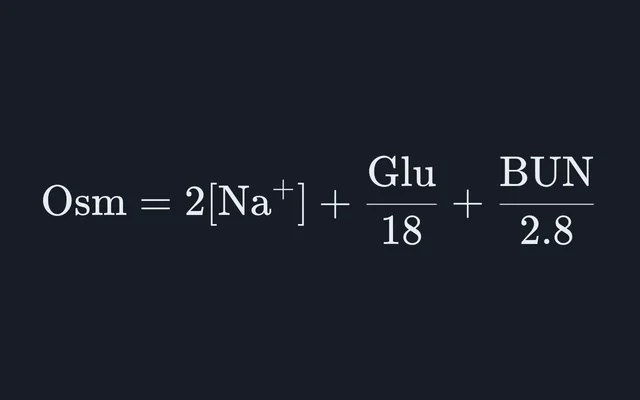
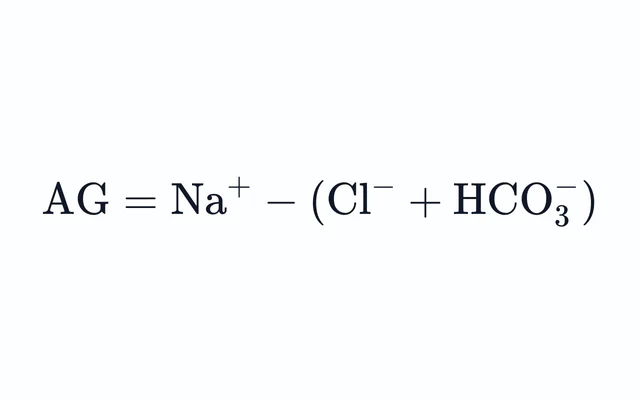
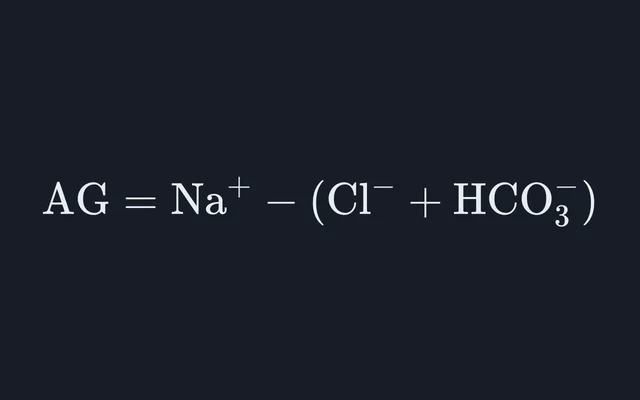
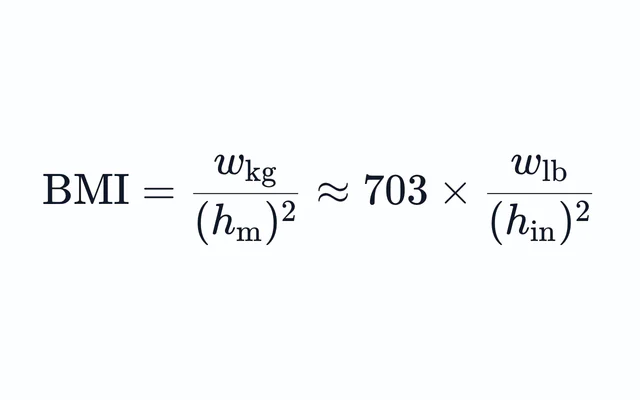
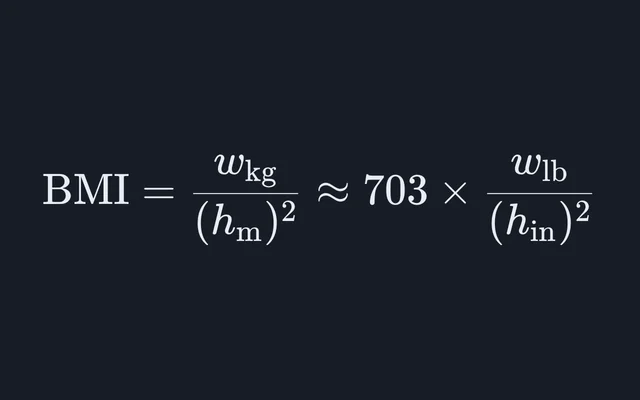
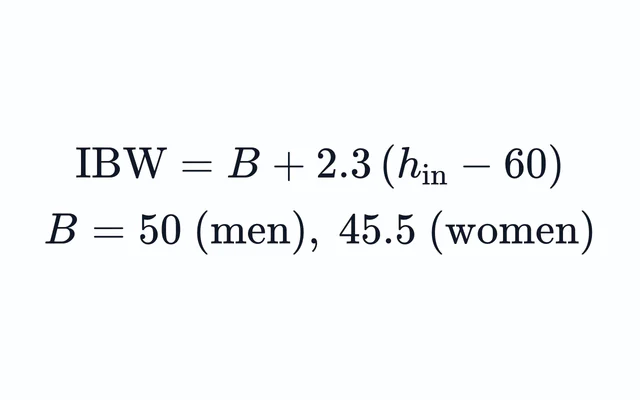
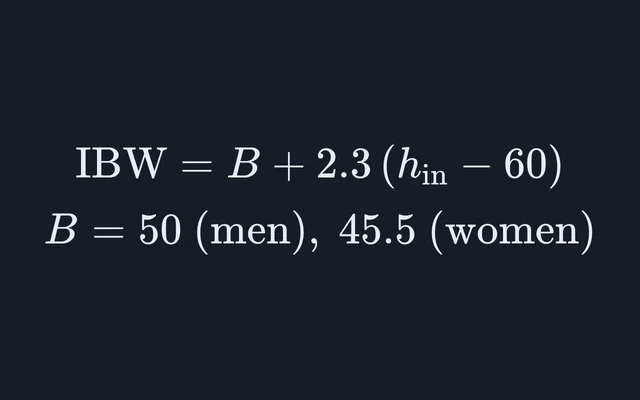
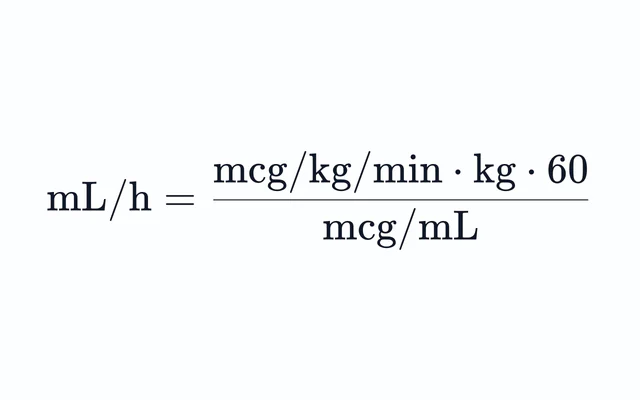
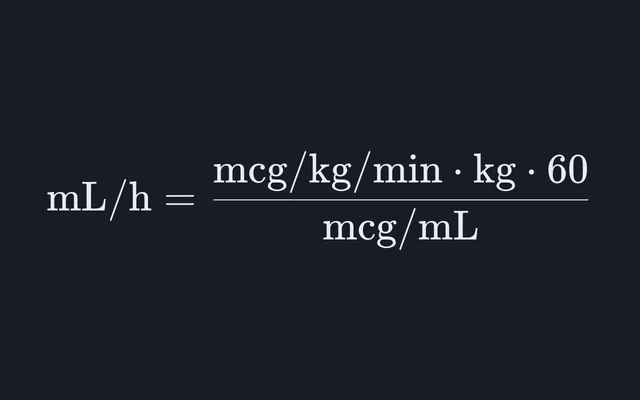
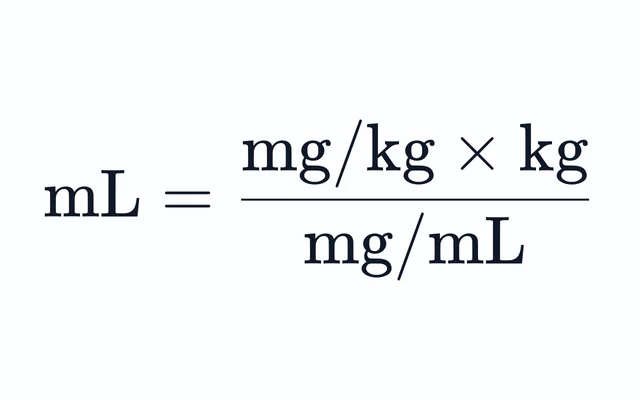
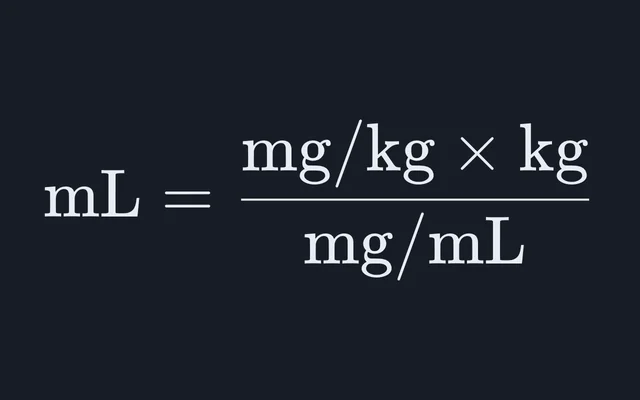
Bedside and laboratory formulas, each carrying the study-tool caution.
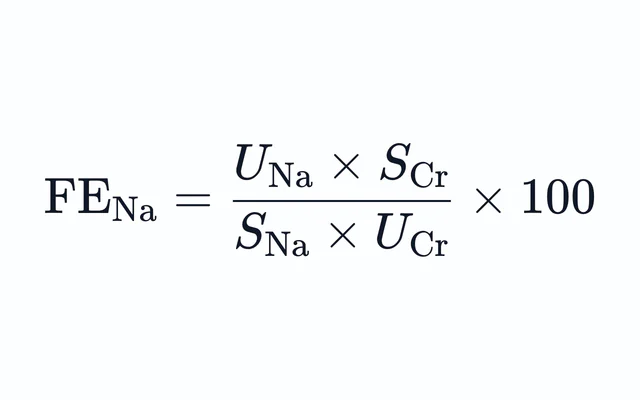
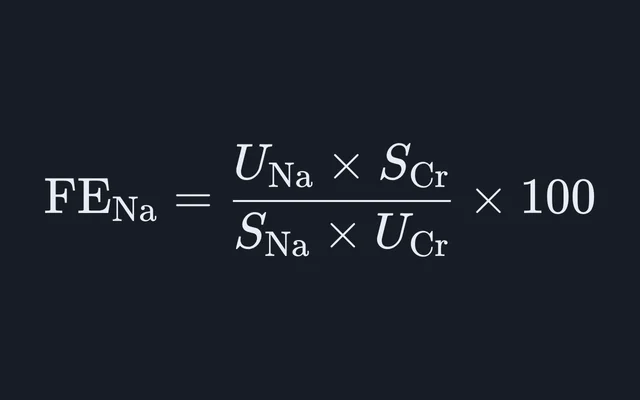
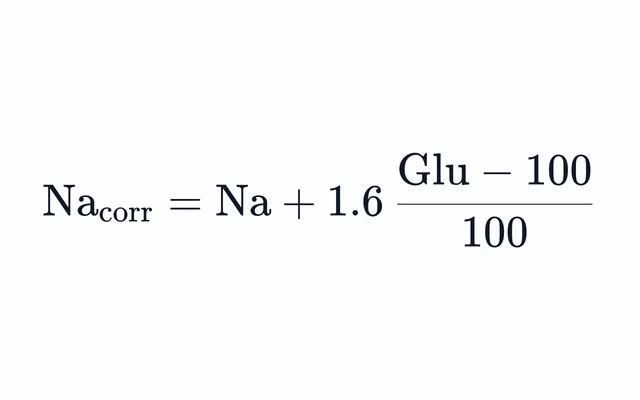
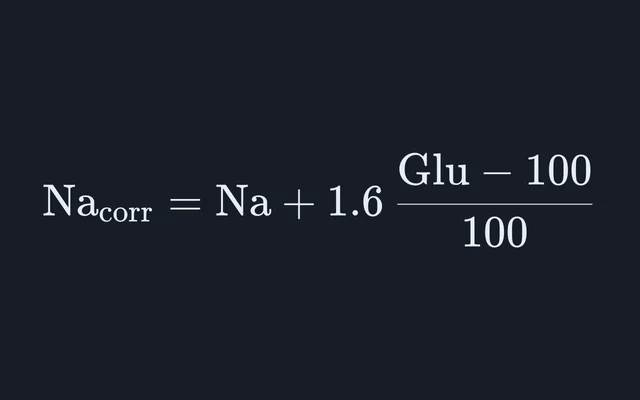
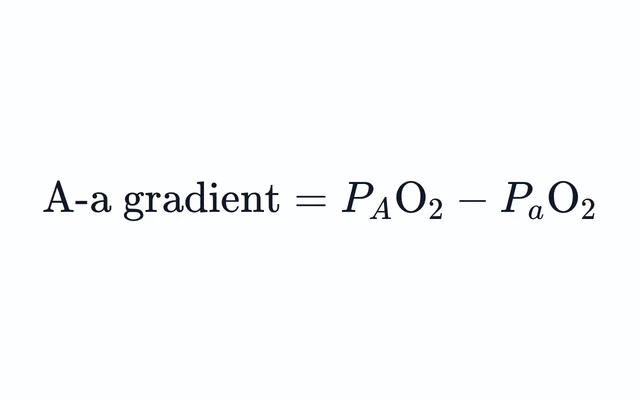
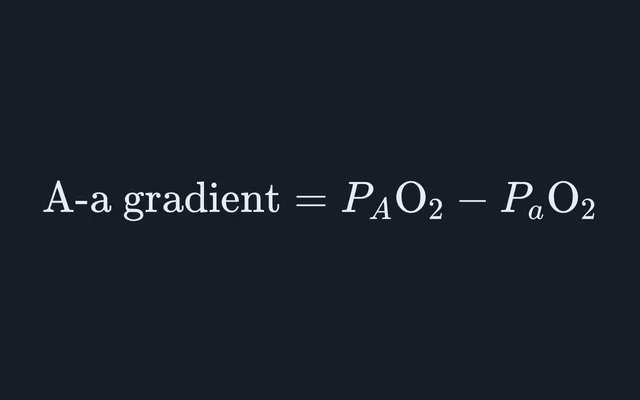
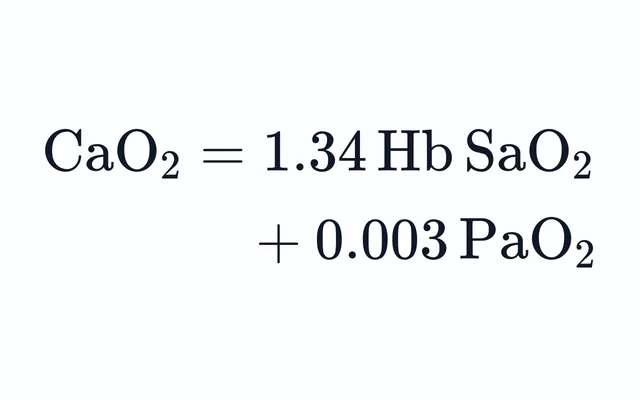
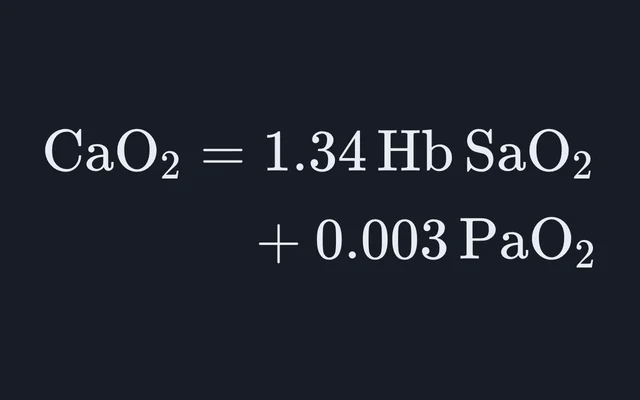
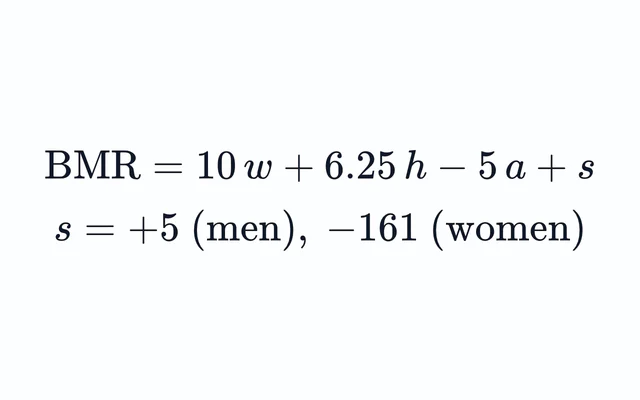
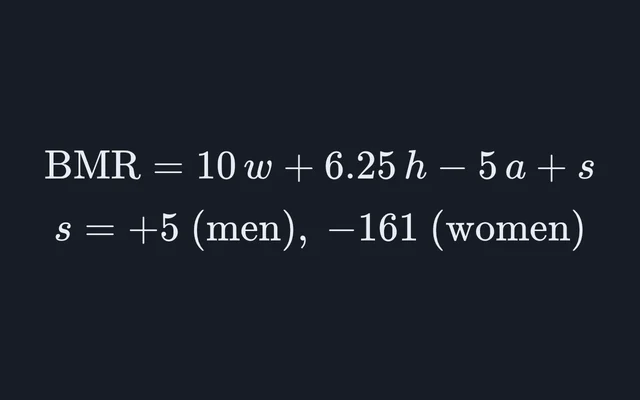
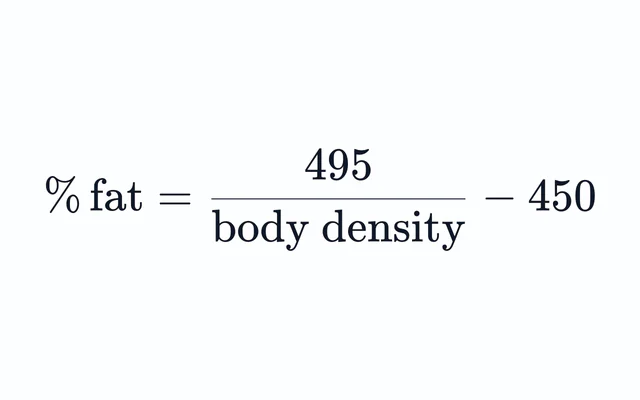
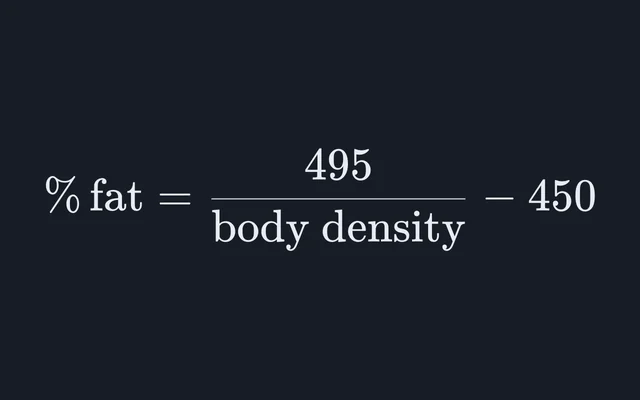
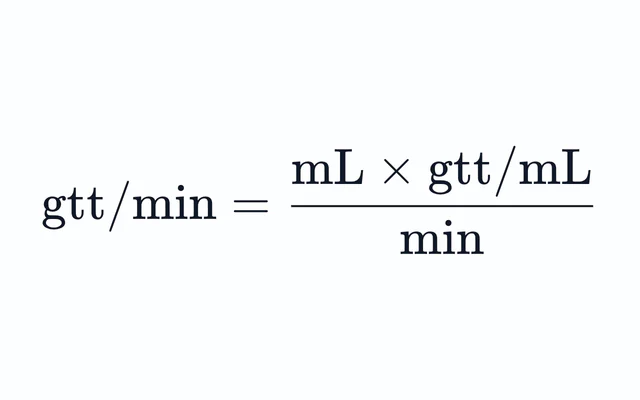
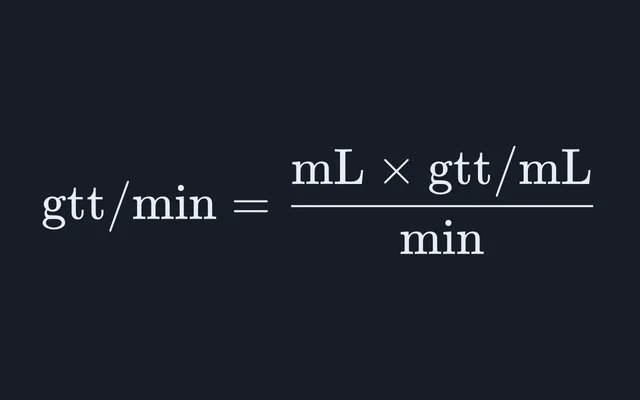
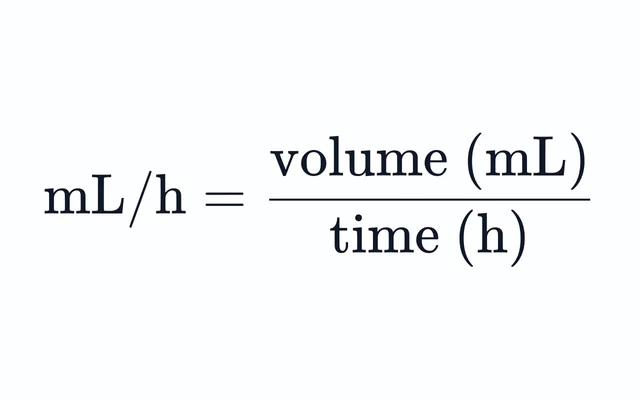
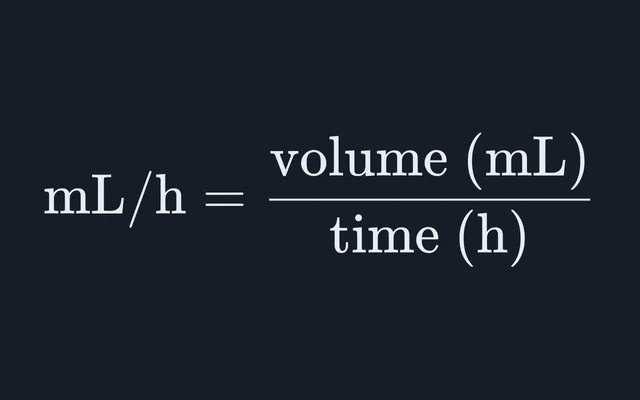
Chemistry lab
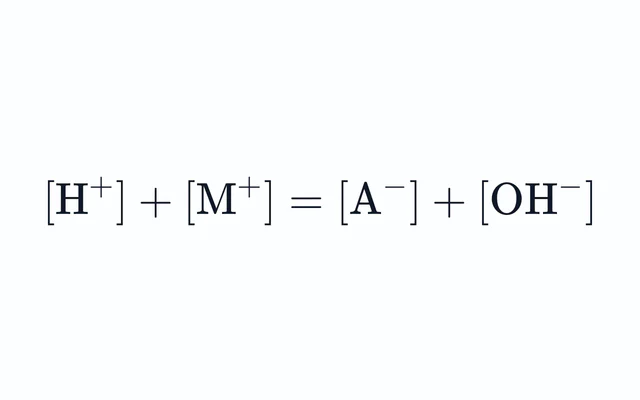
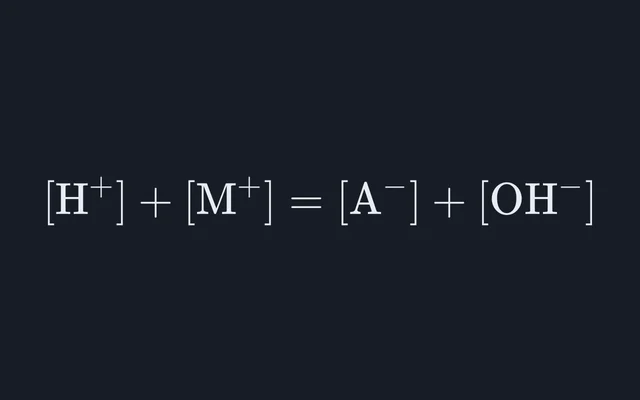
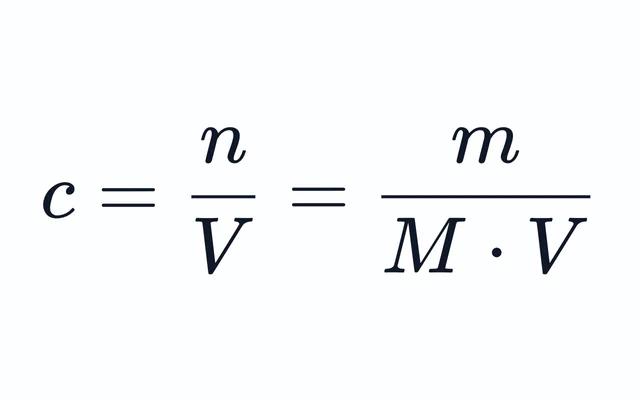
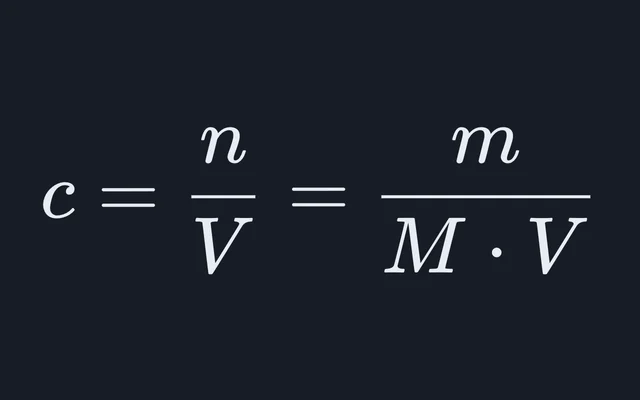
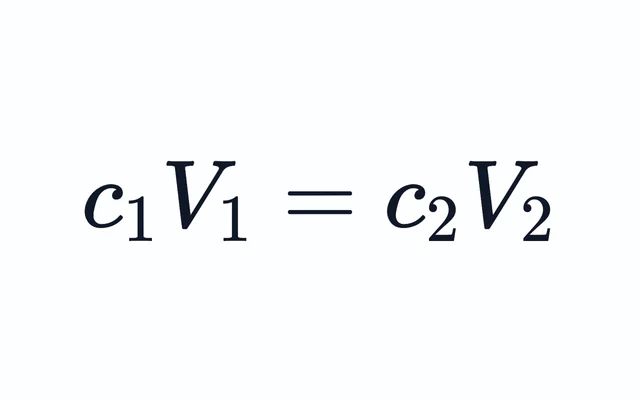
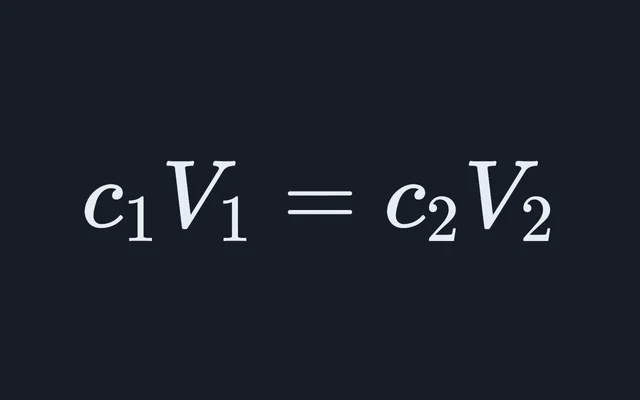
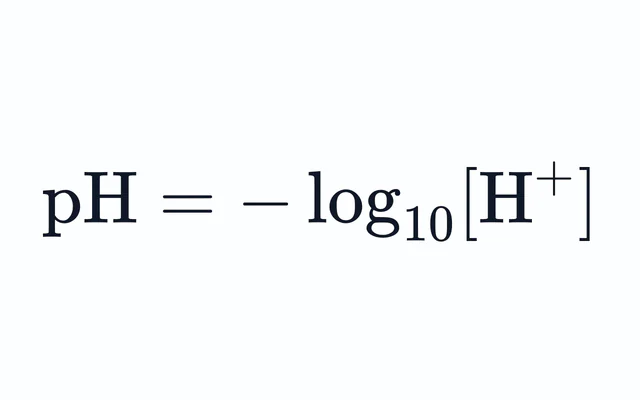
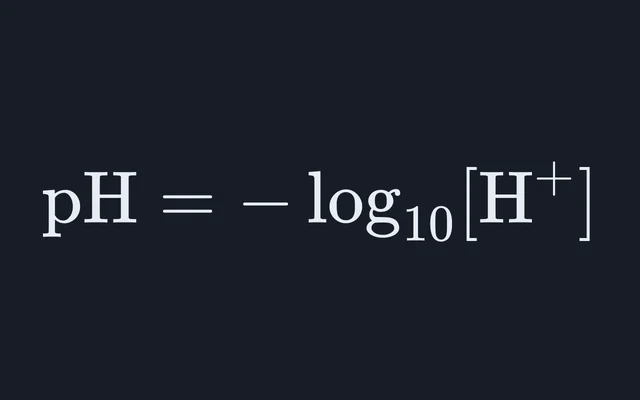
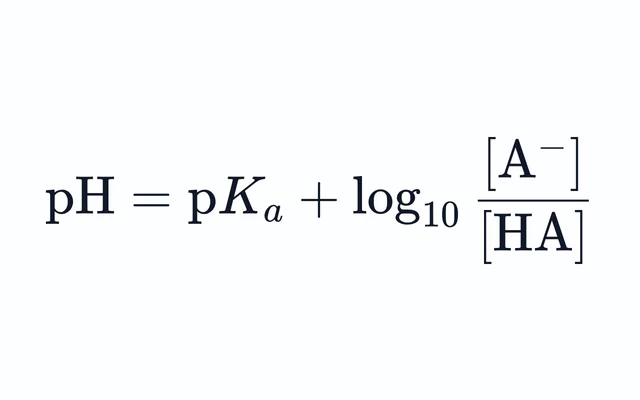
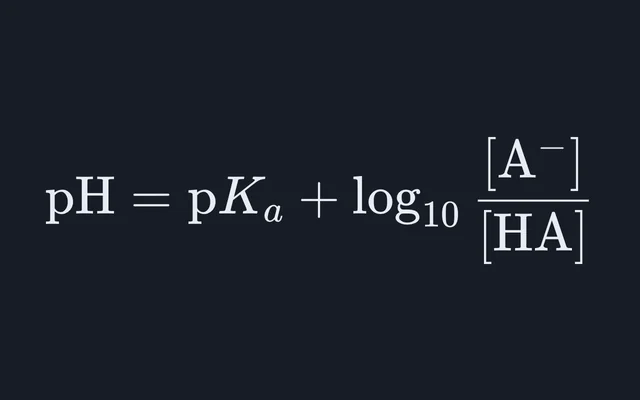
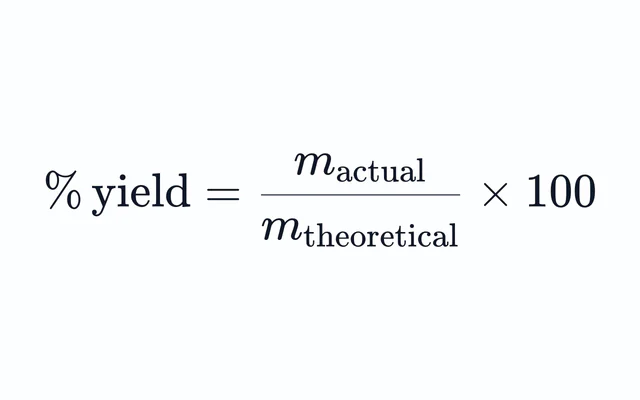
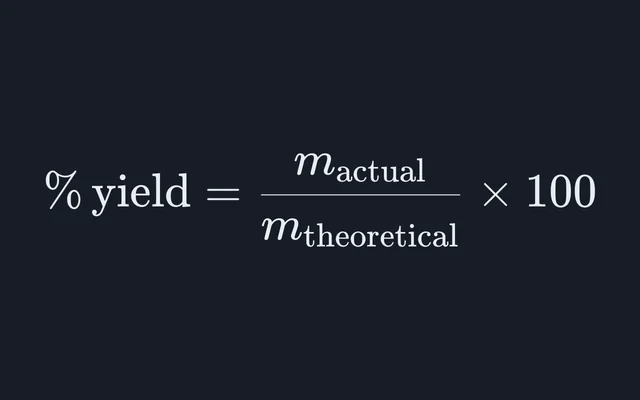
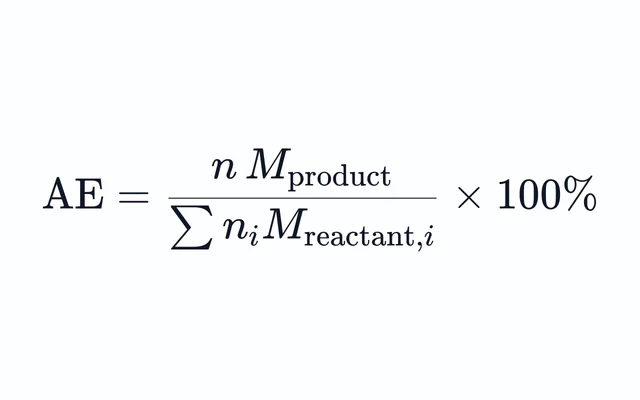
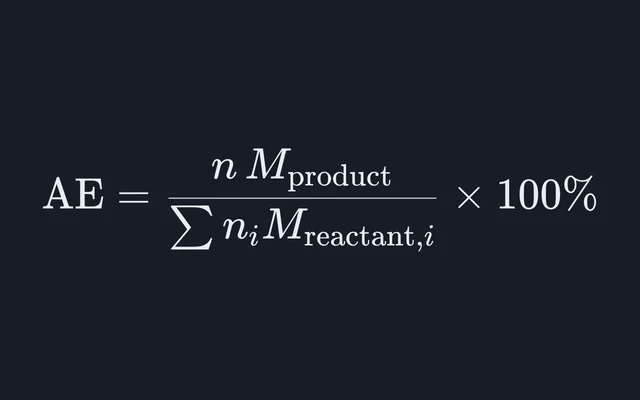
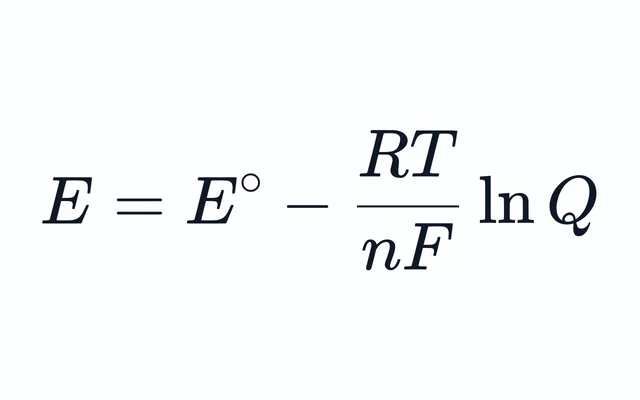
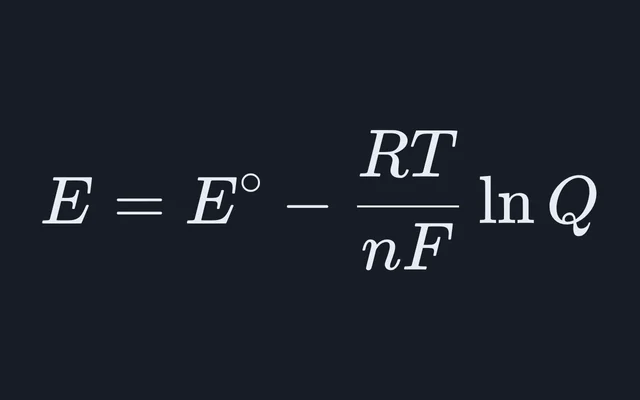
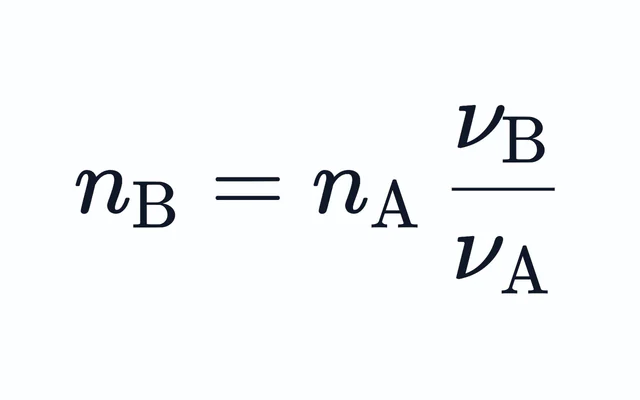
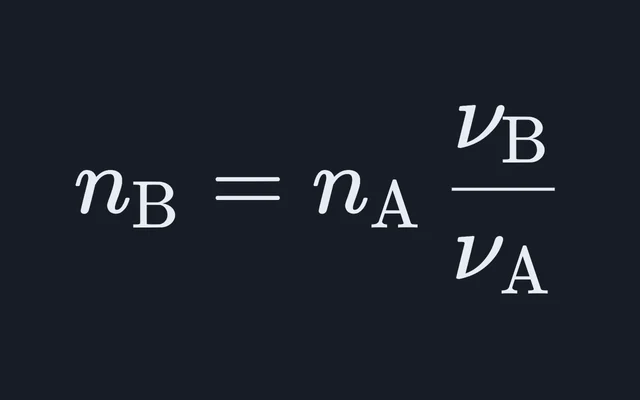
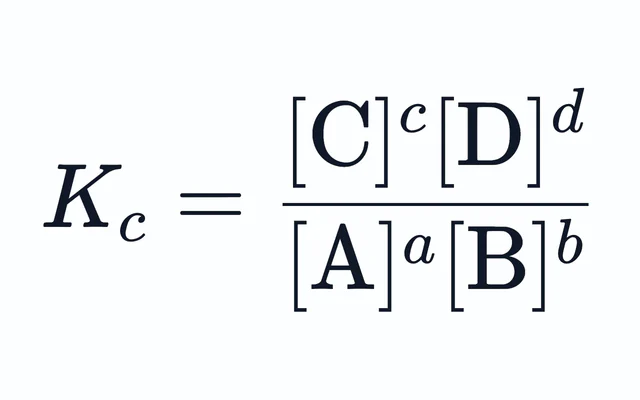
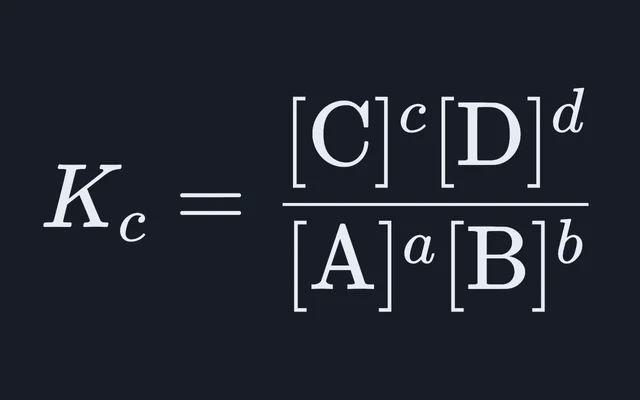
Moles, concentrations, dilutions, yields, equilibria and titrations.
Physics
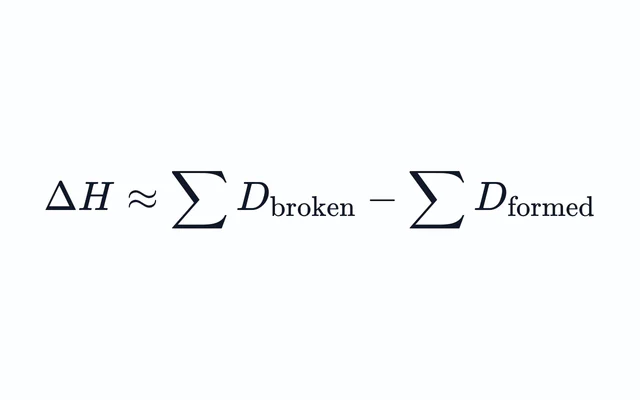
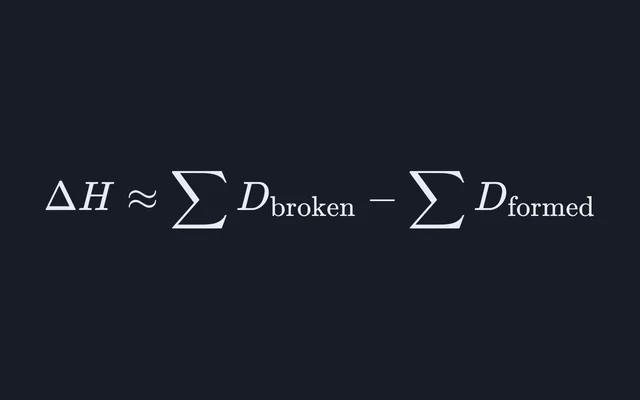
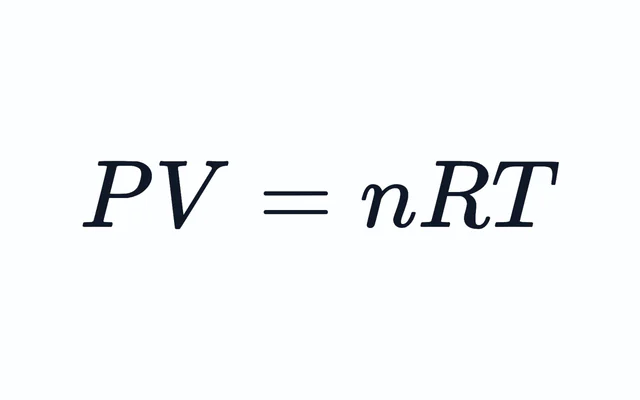
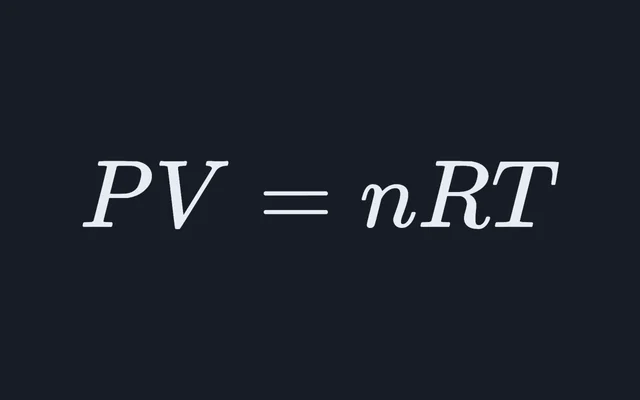
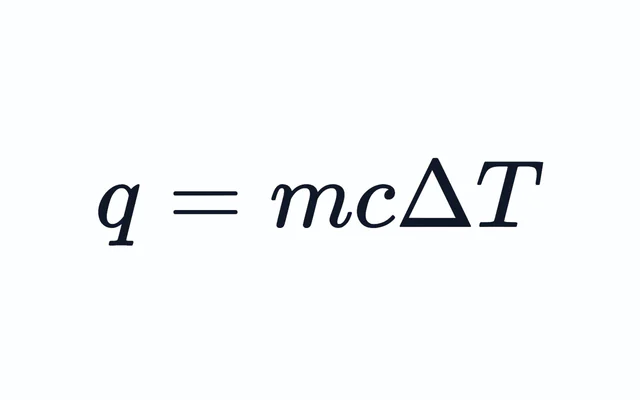
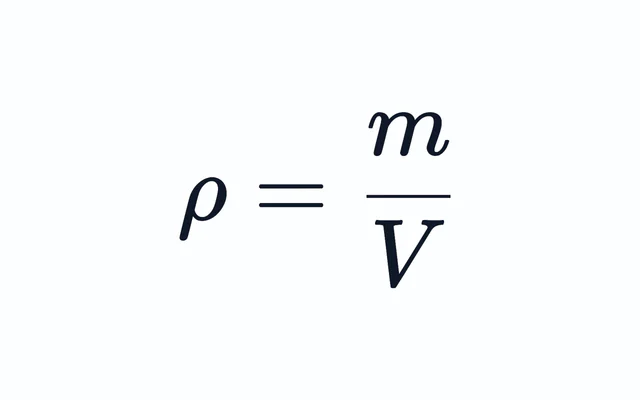
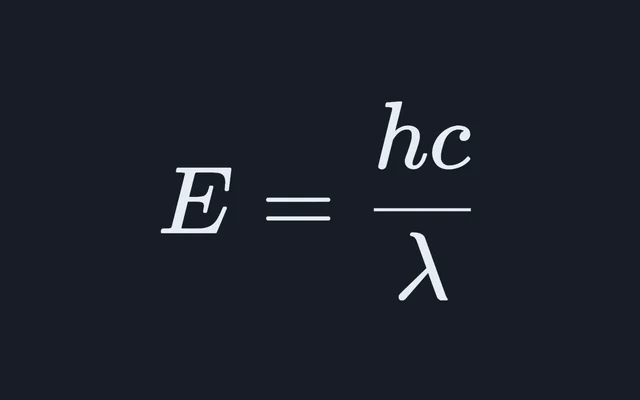
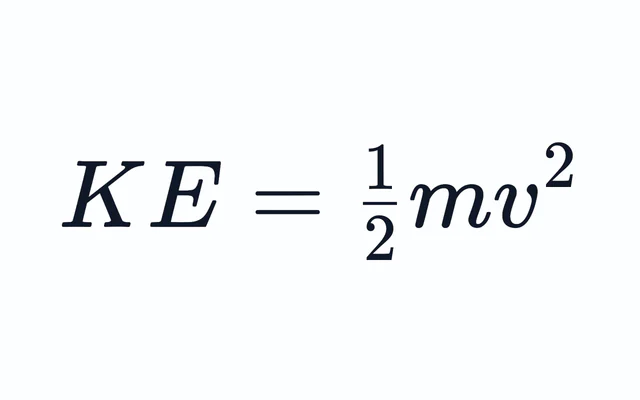
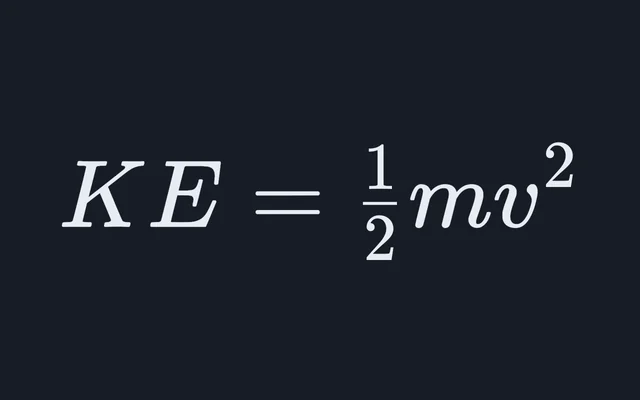
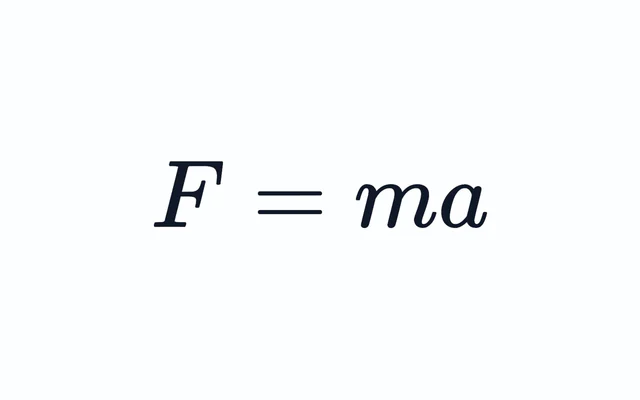
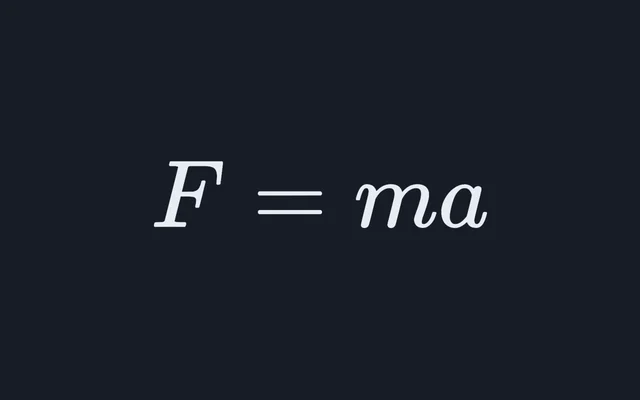
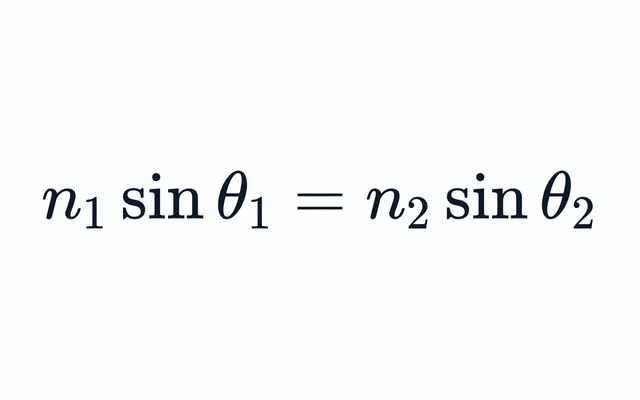
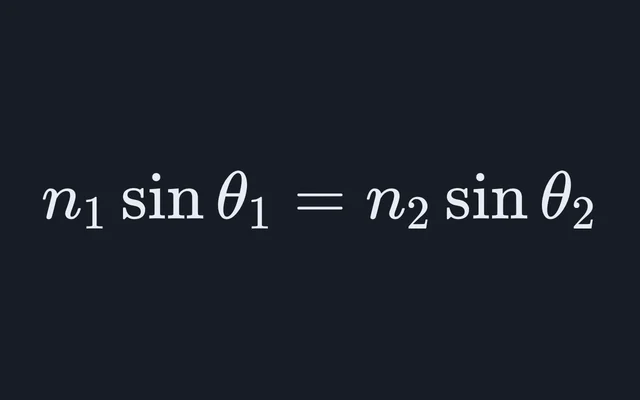
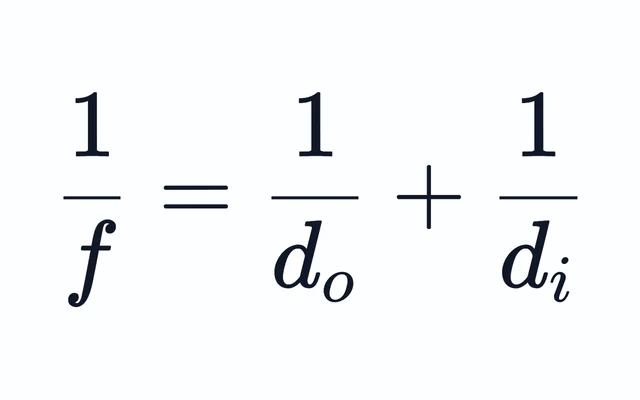
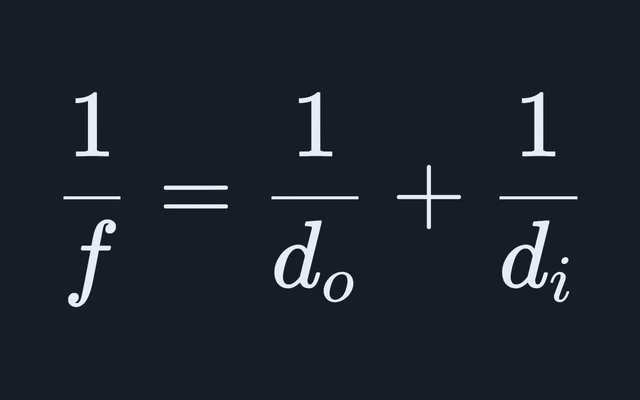
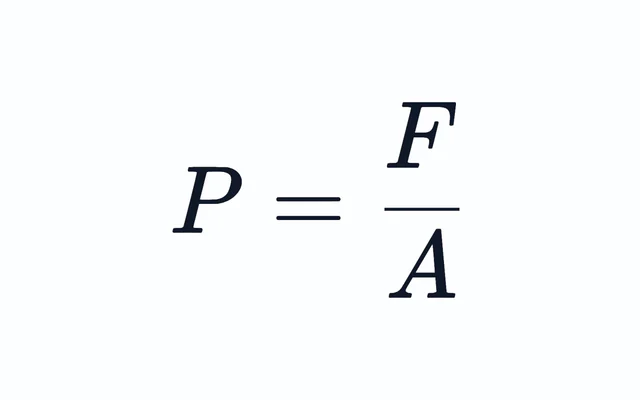
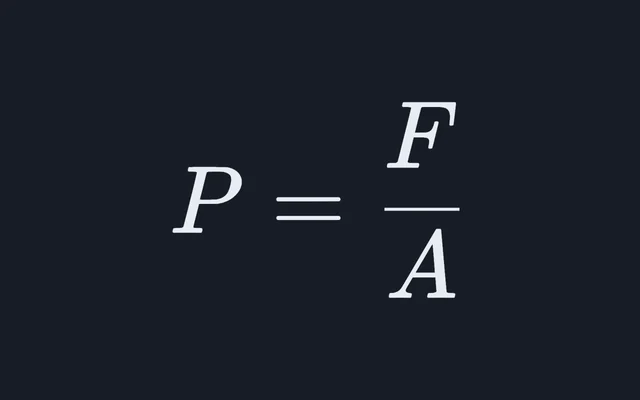
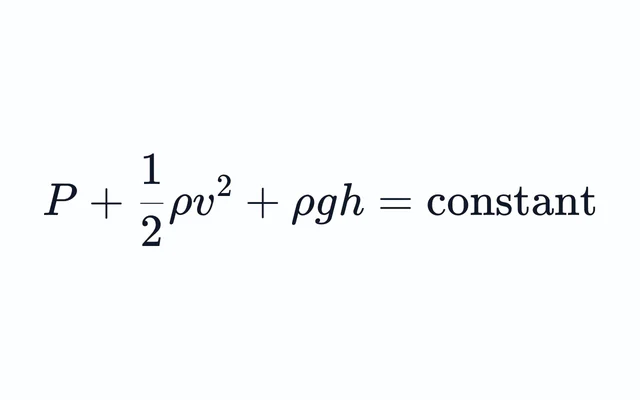
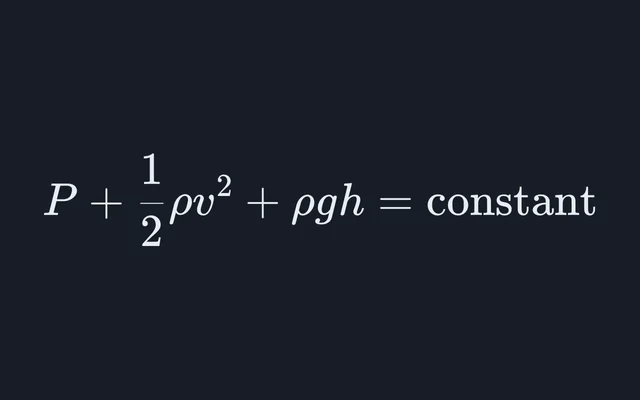
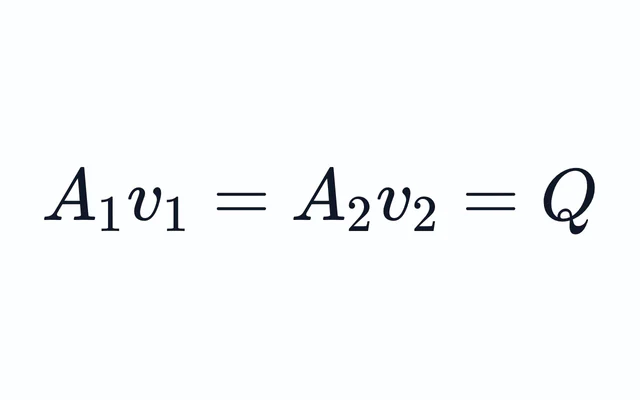
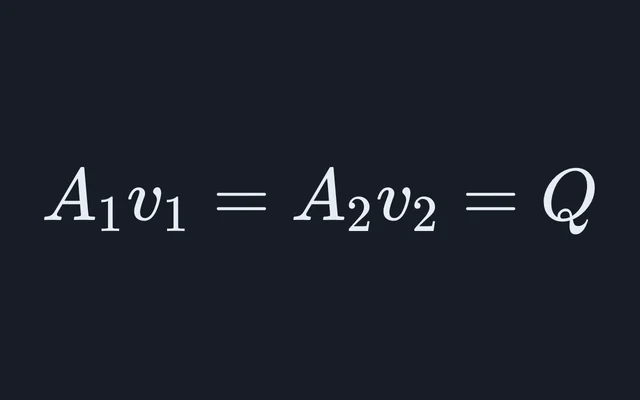
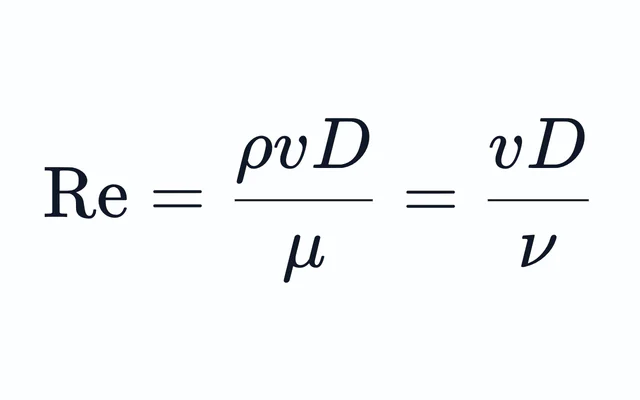
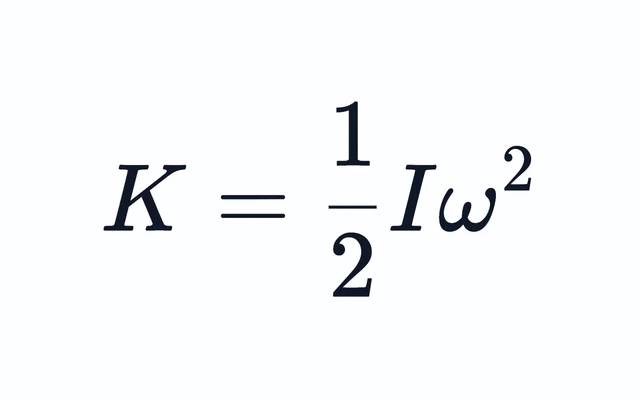
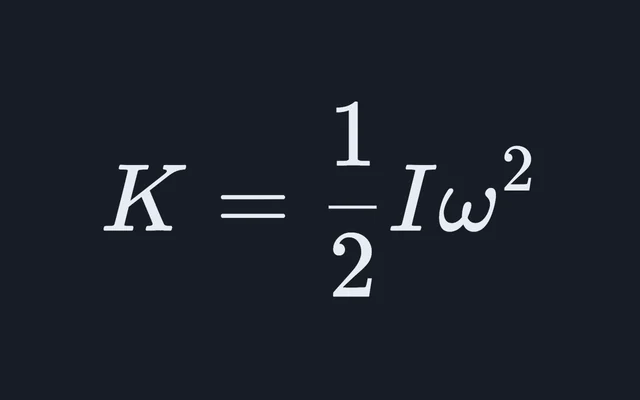
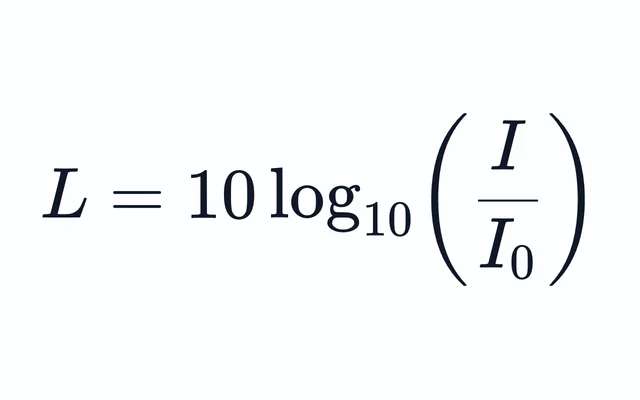
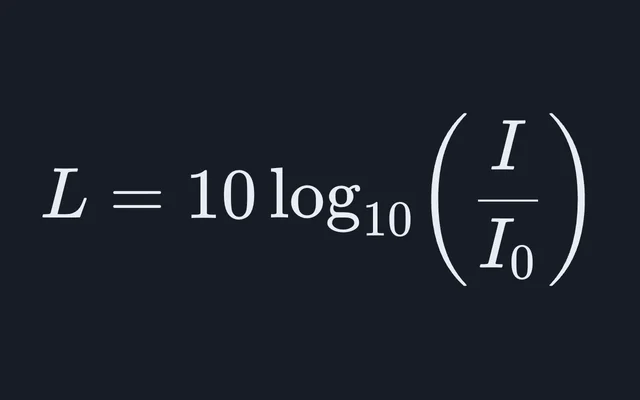
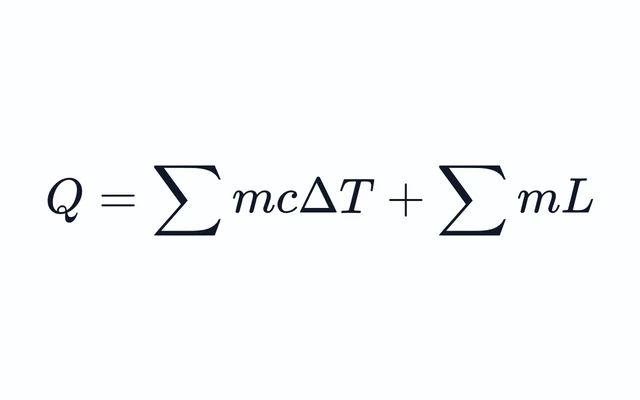
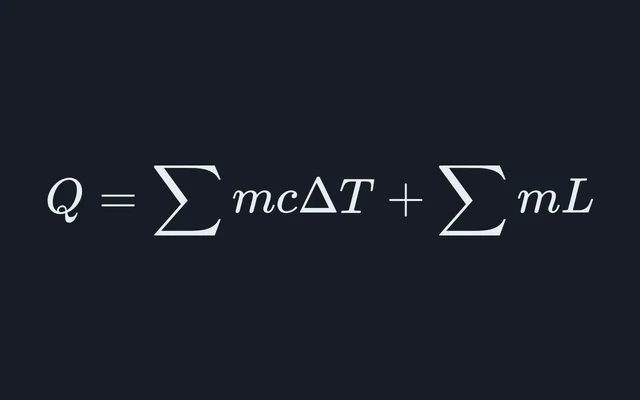
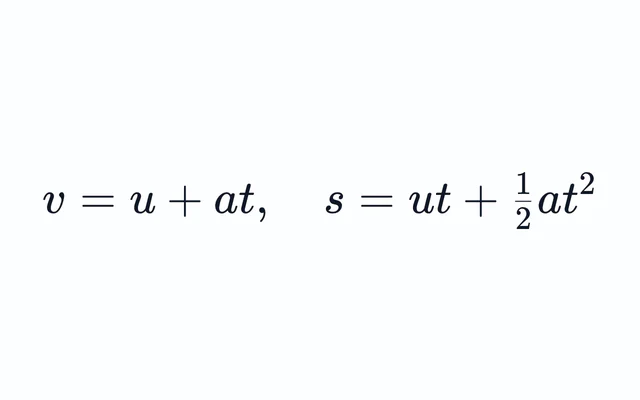
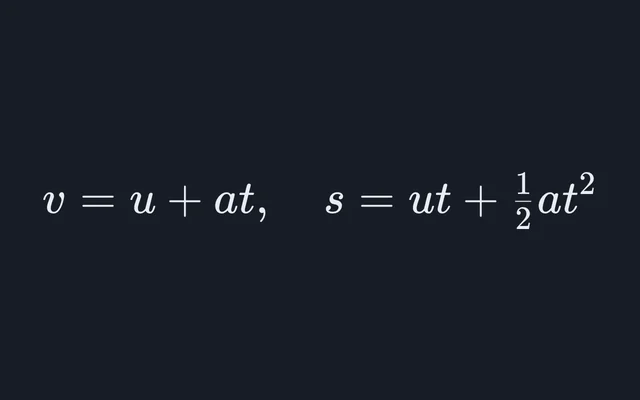
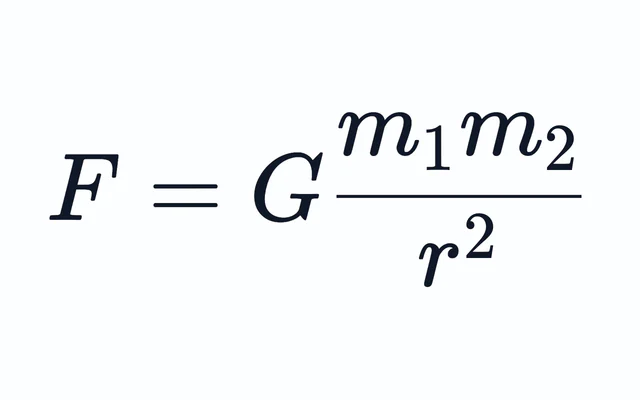
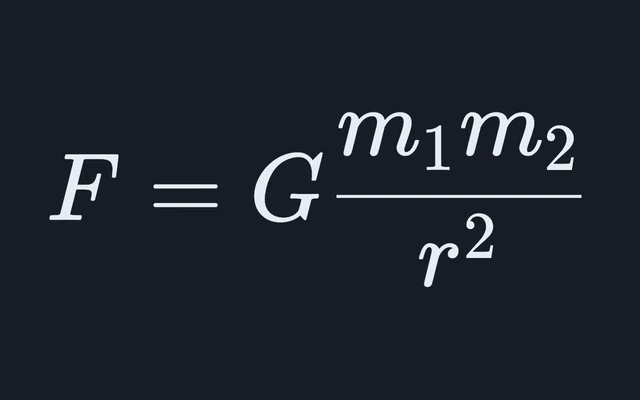
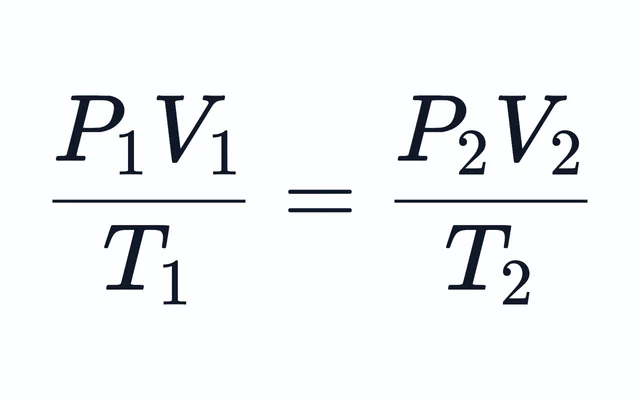
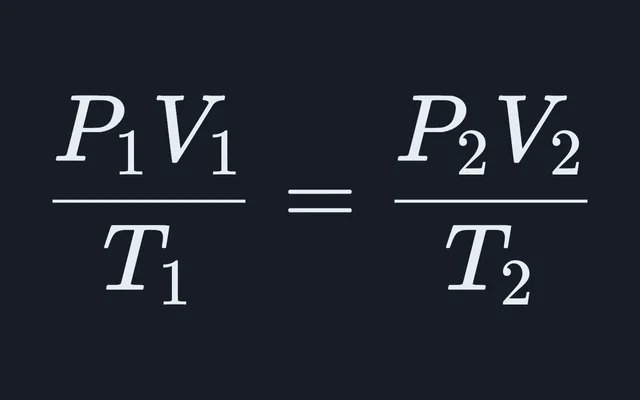
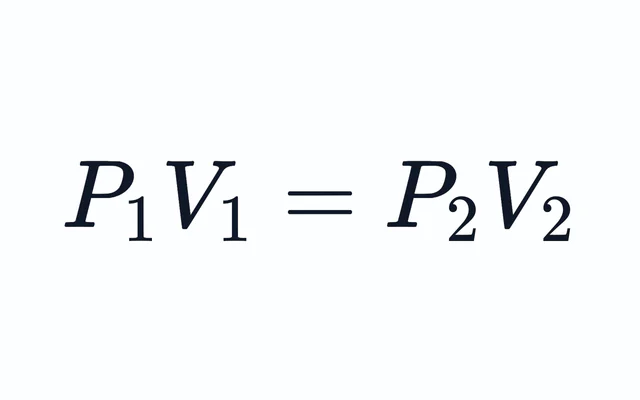
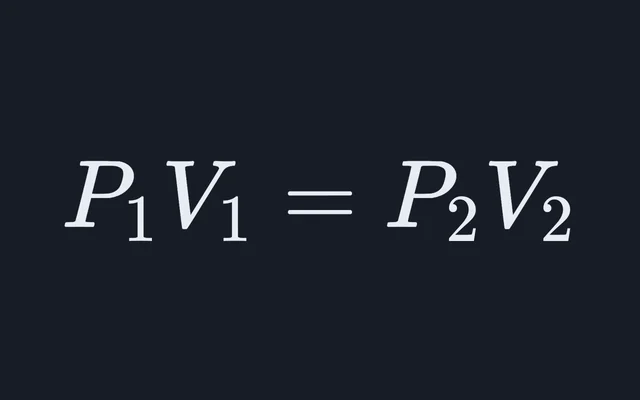
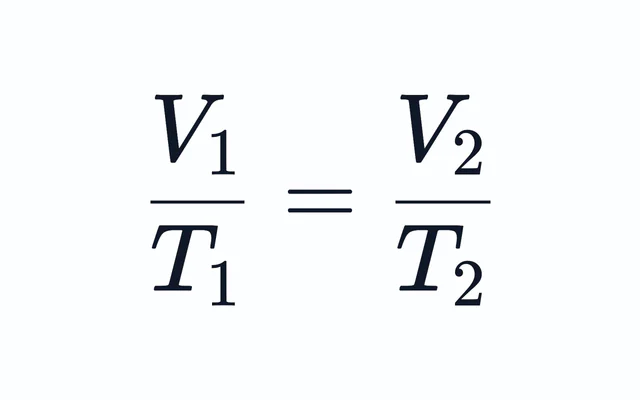
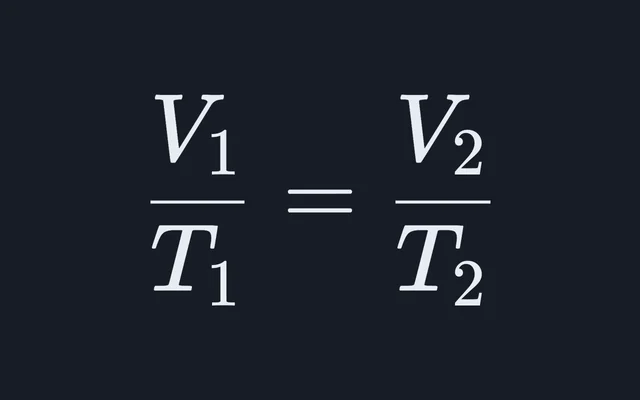
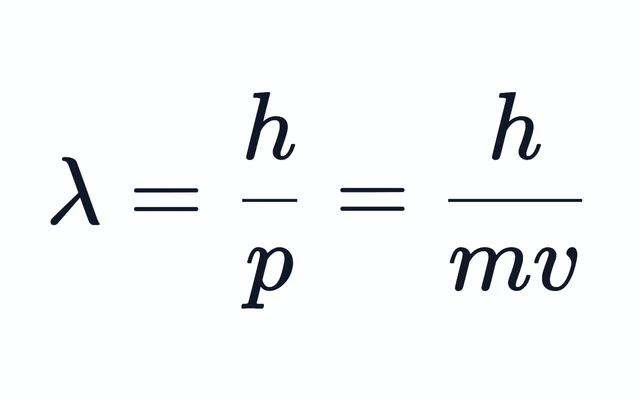
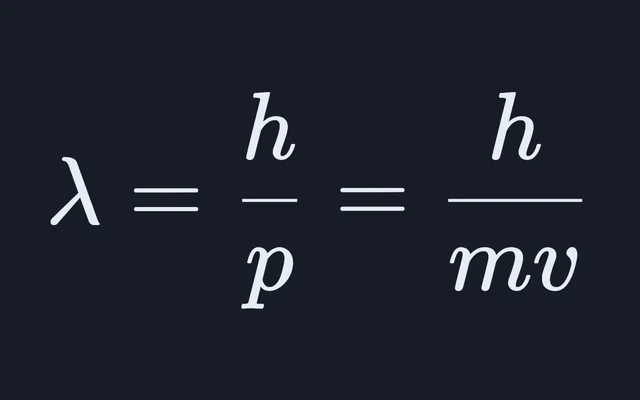
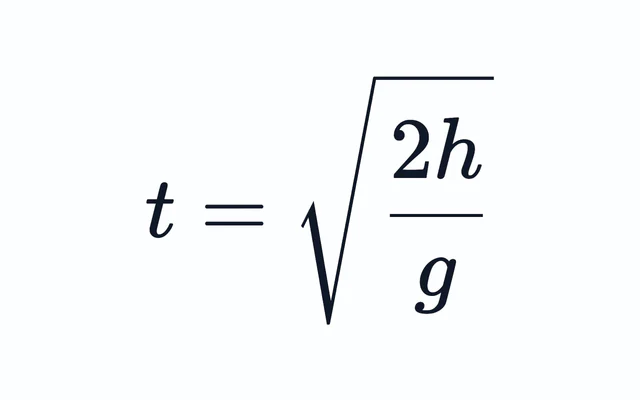
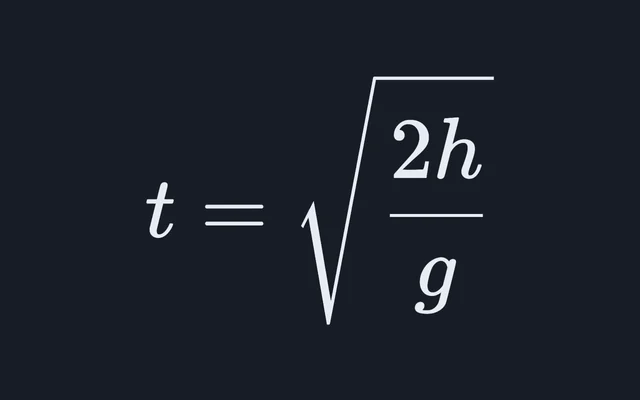
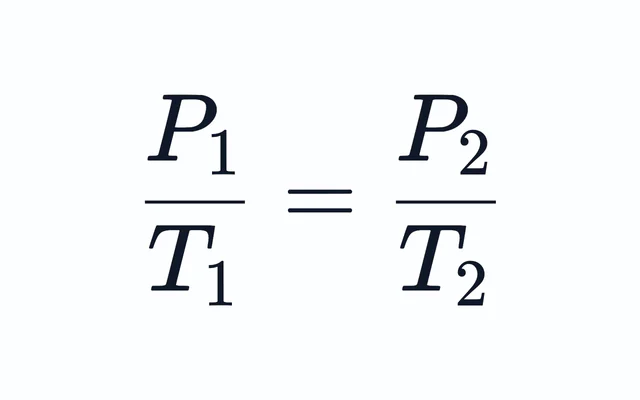
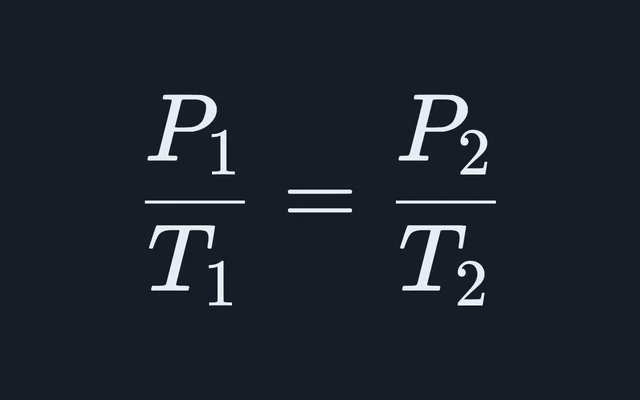
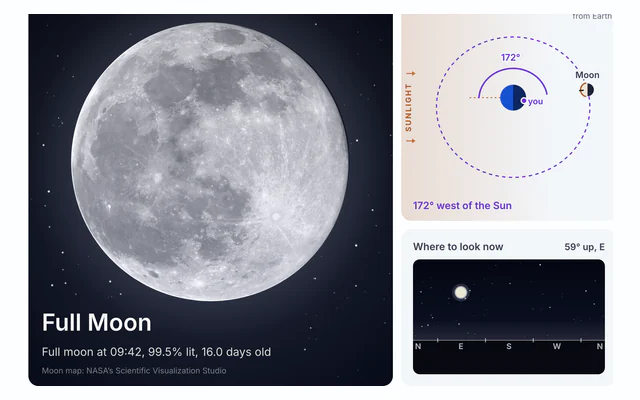
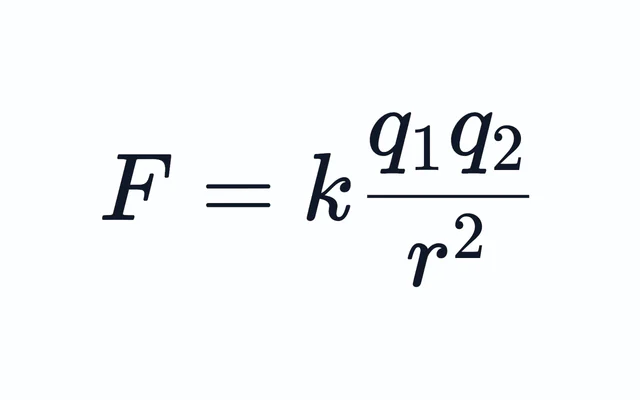
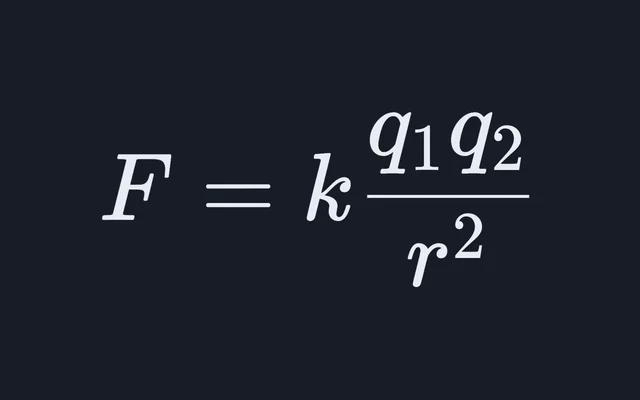
Mechanics, waves, optics, gases and heat.

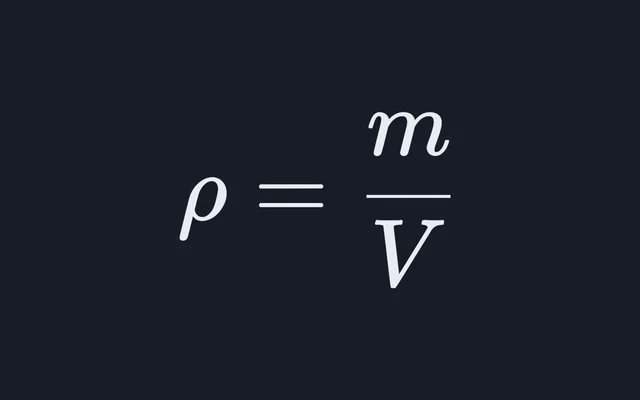
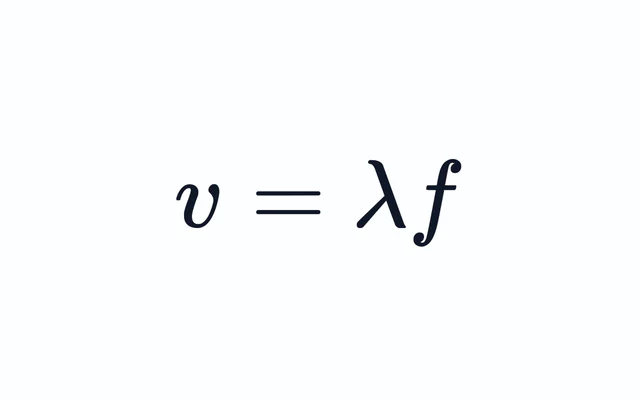
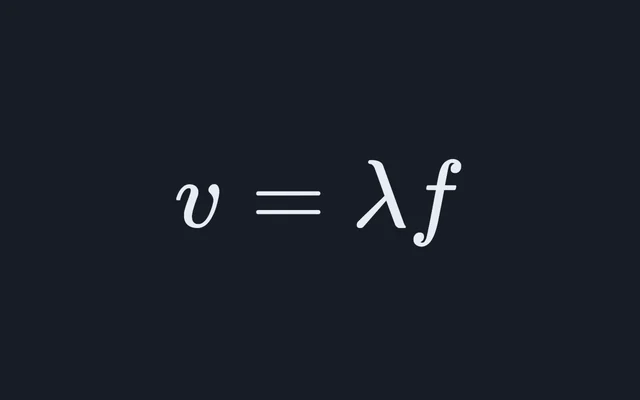
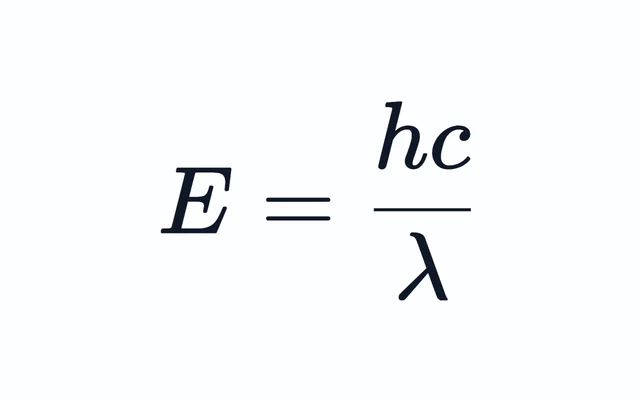
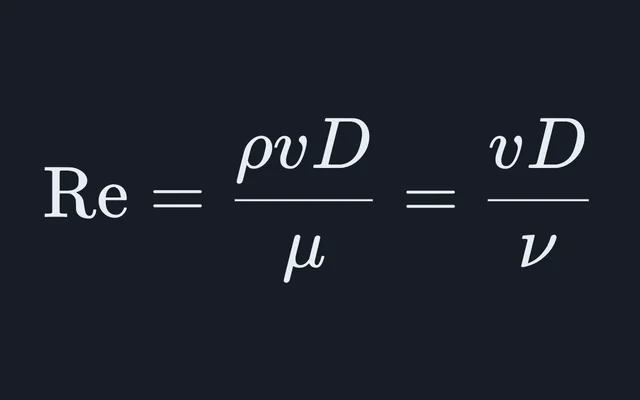
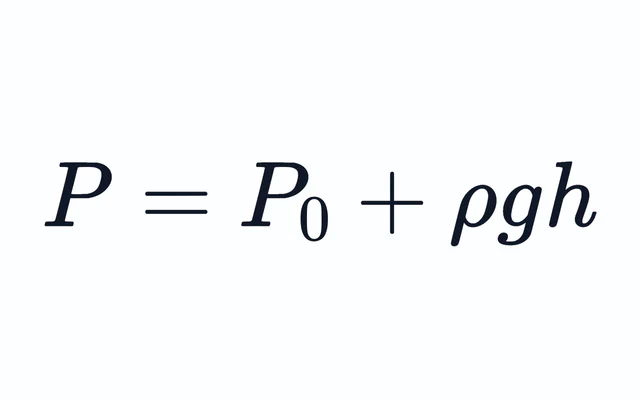
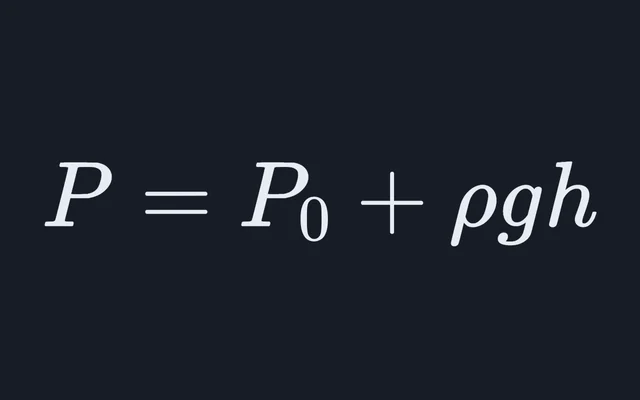
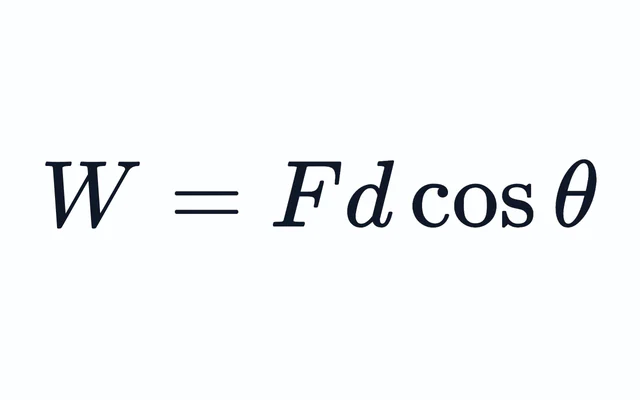

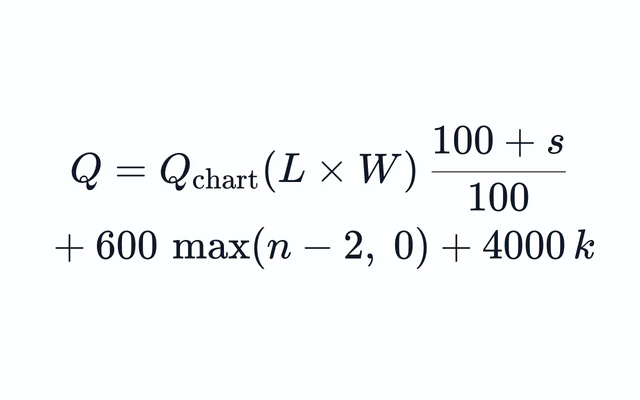
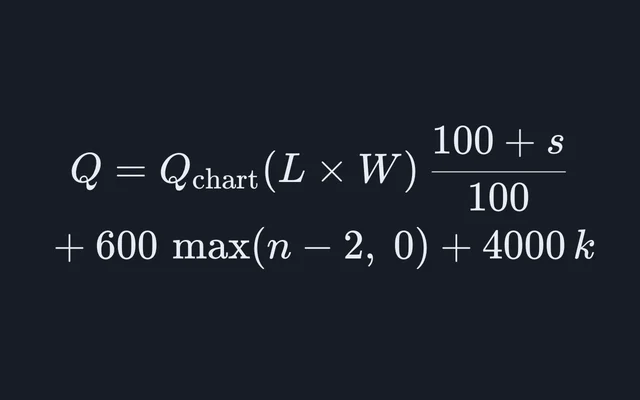
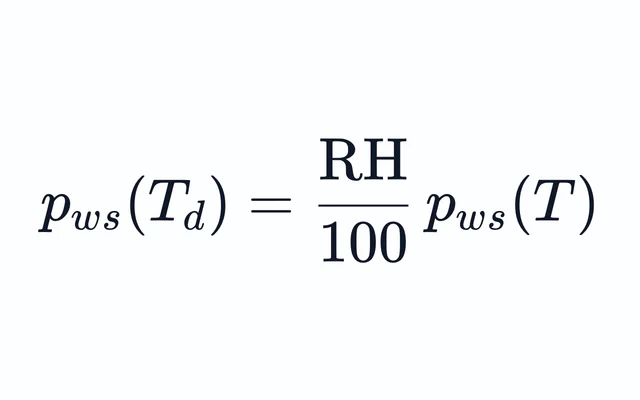
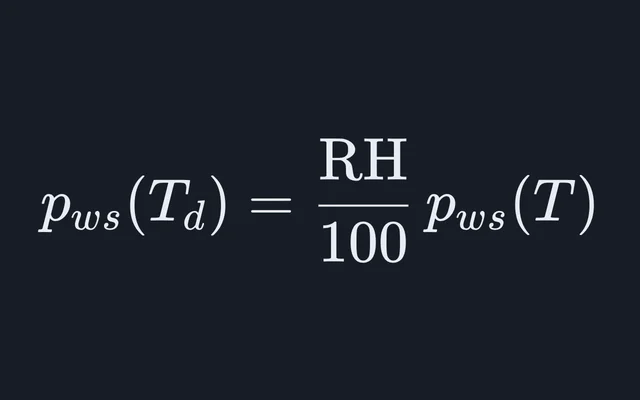

Engineering and HVAC
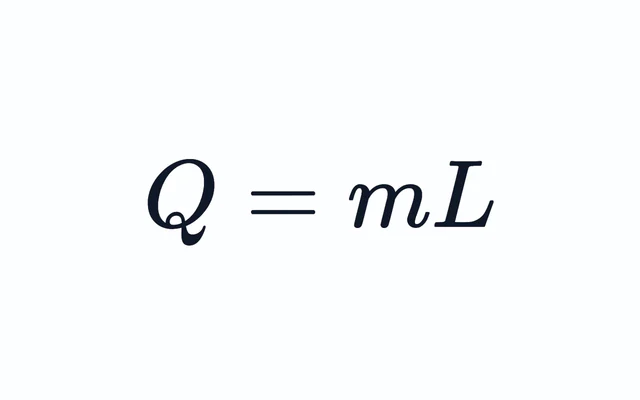
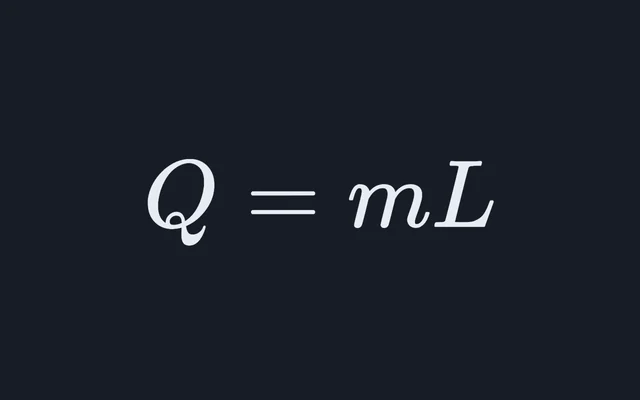
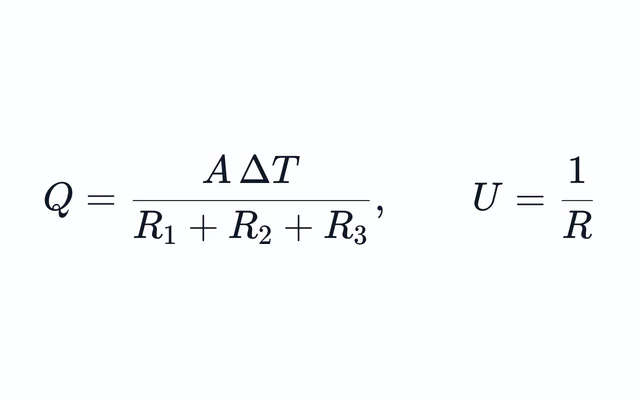
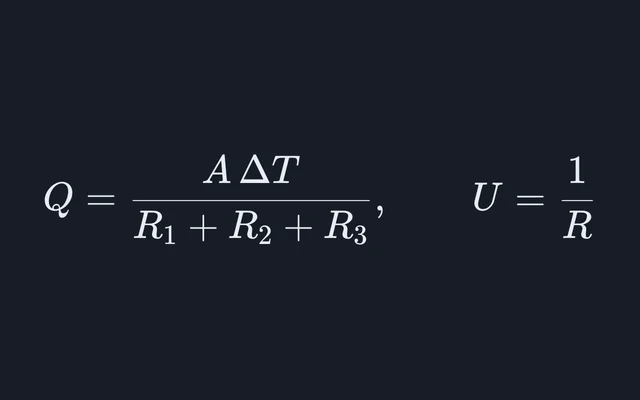
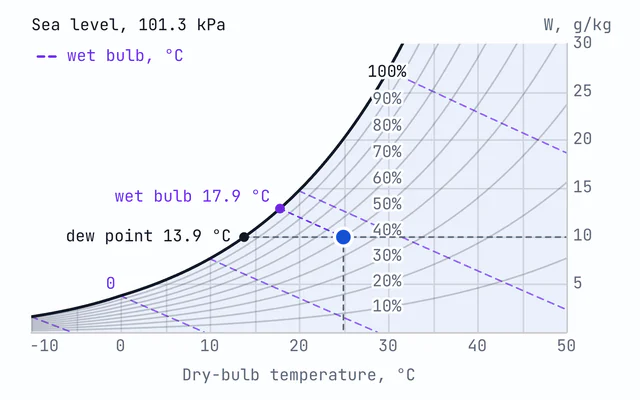
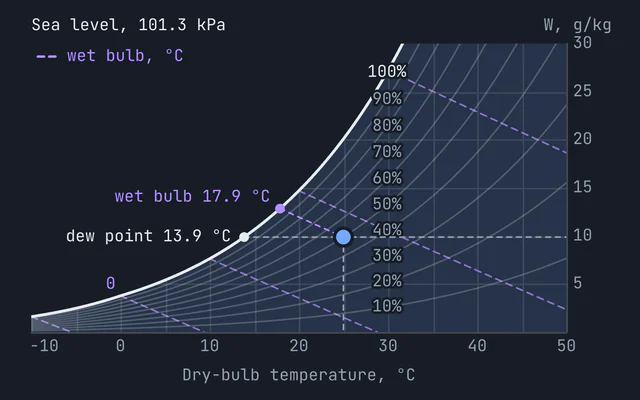
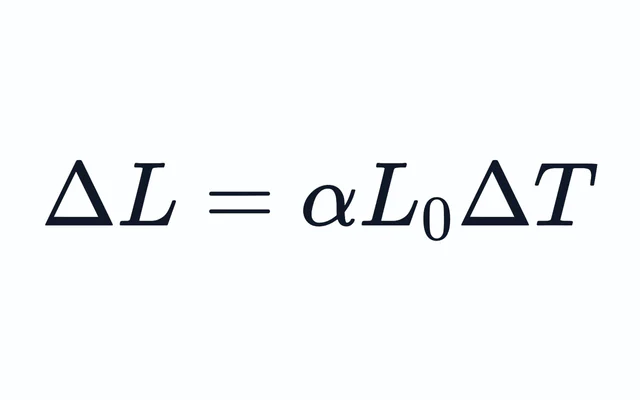
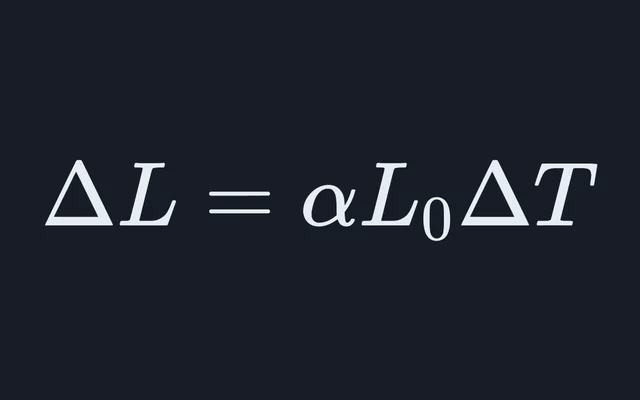
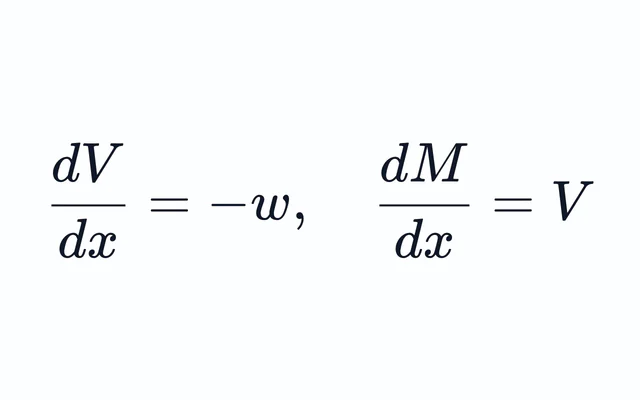
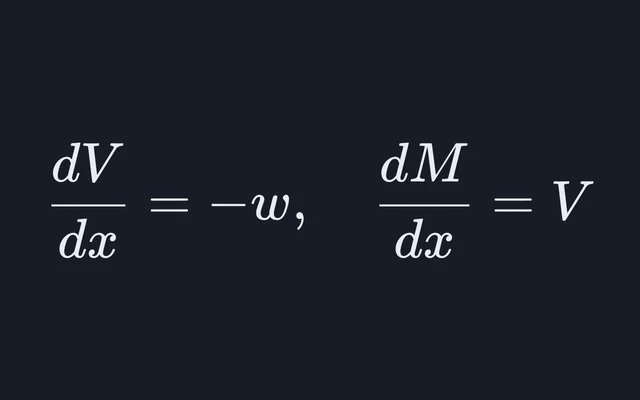
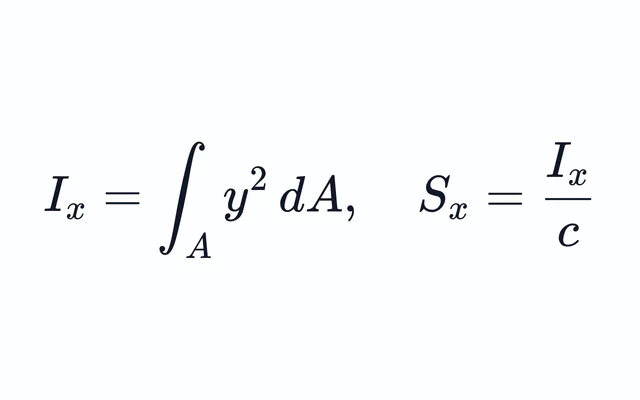
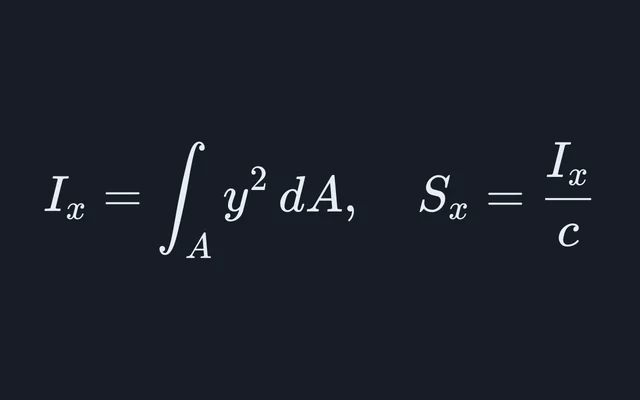
Beam loading, section properties, thermal expansion and moist air, for structural and HVAC work.
Electricity and energy
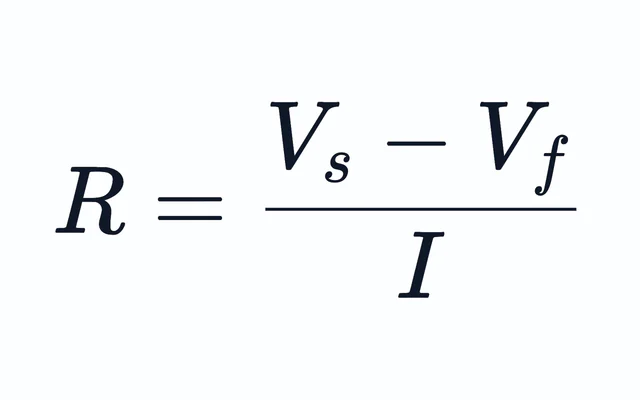
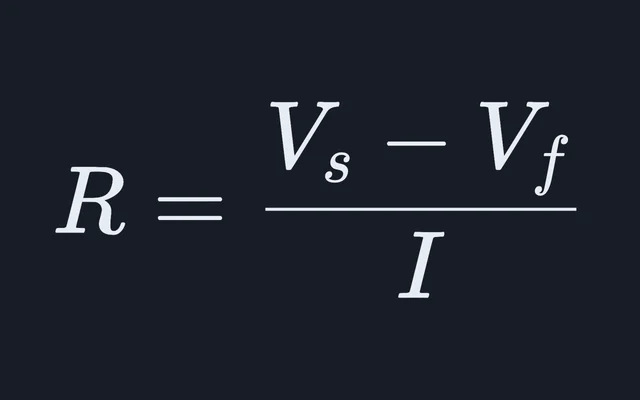
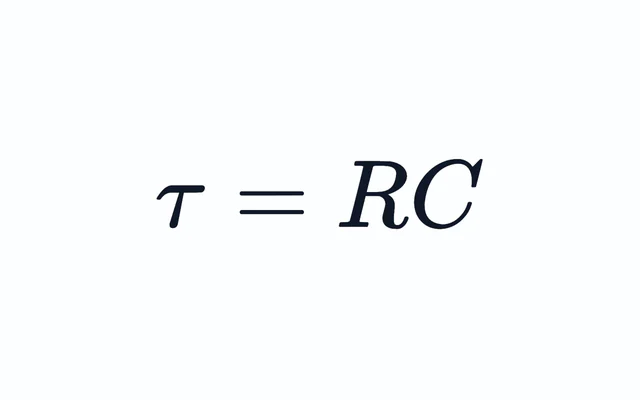
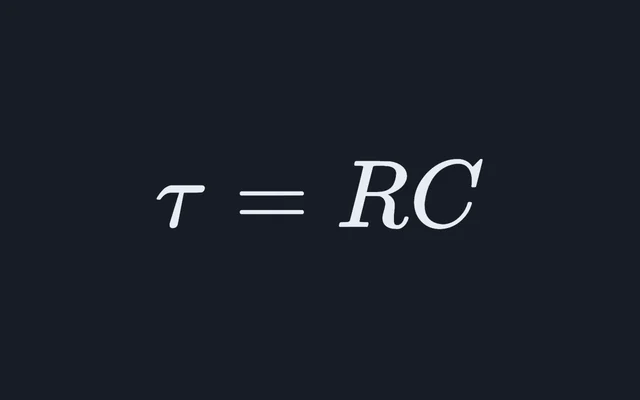
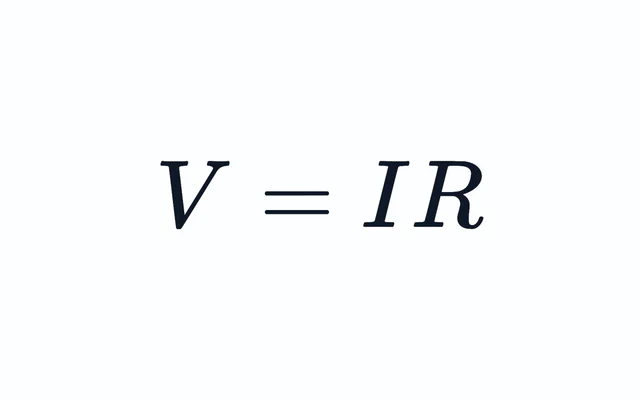
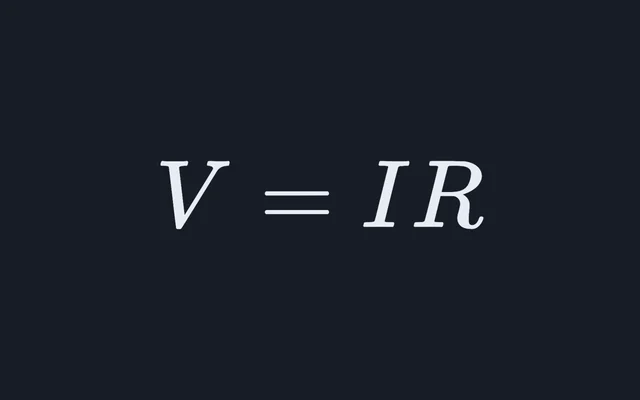
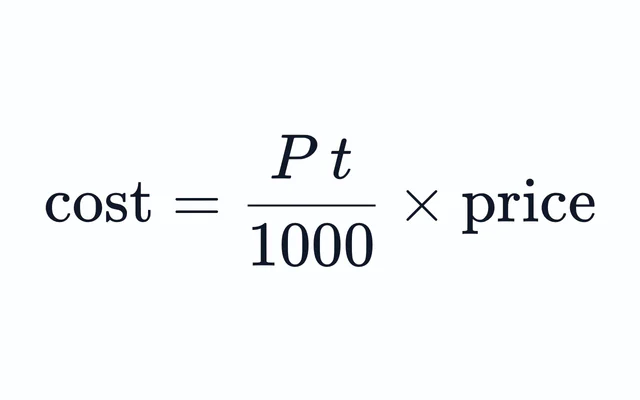
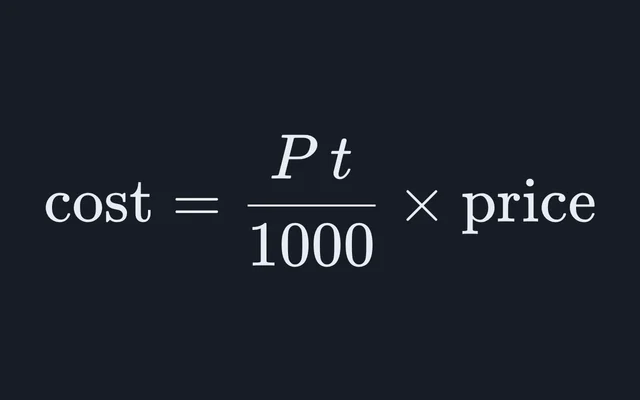
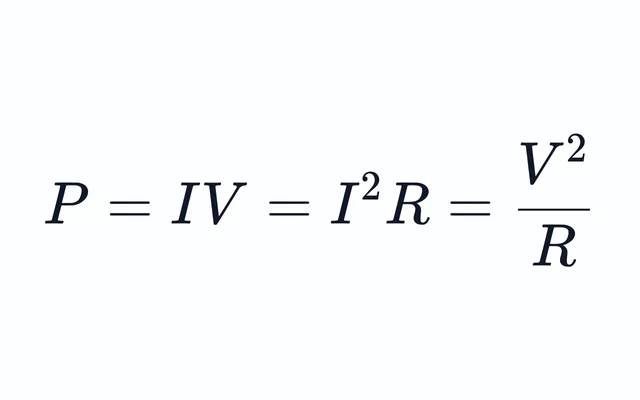
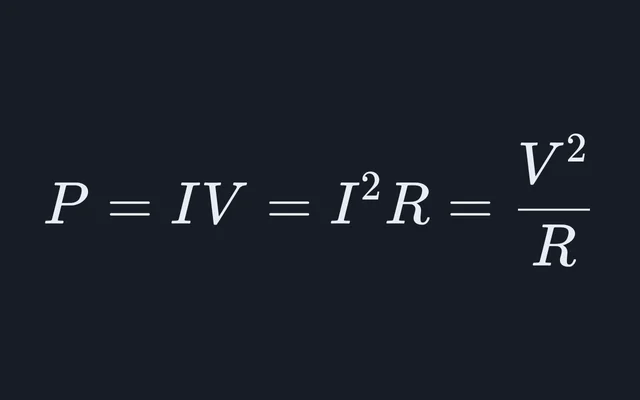
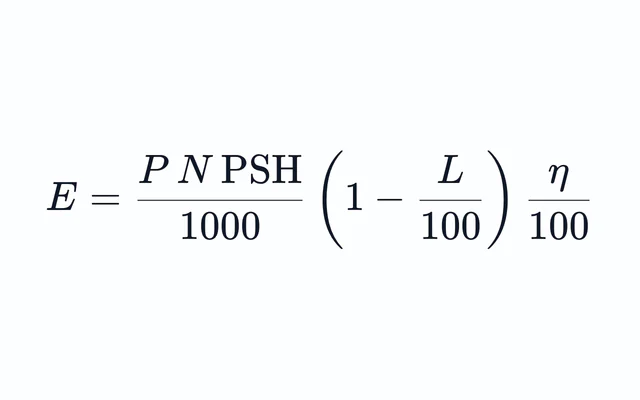
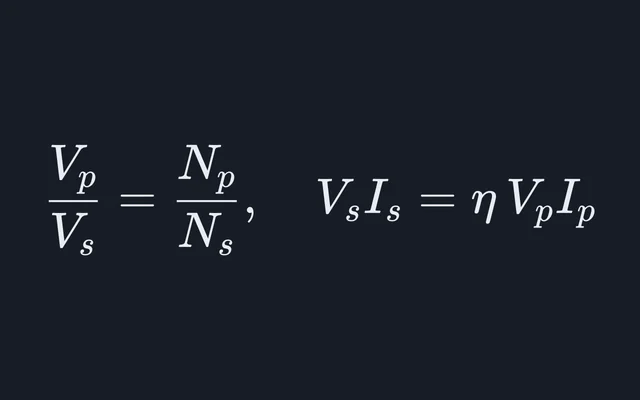
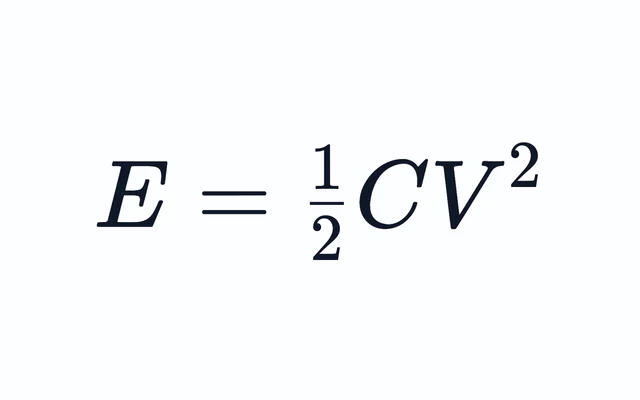
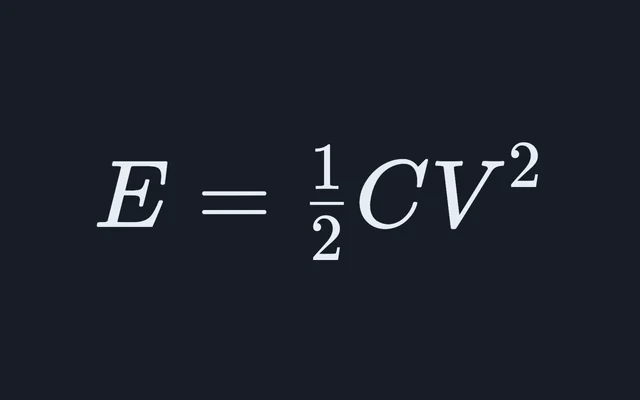
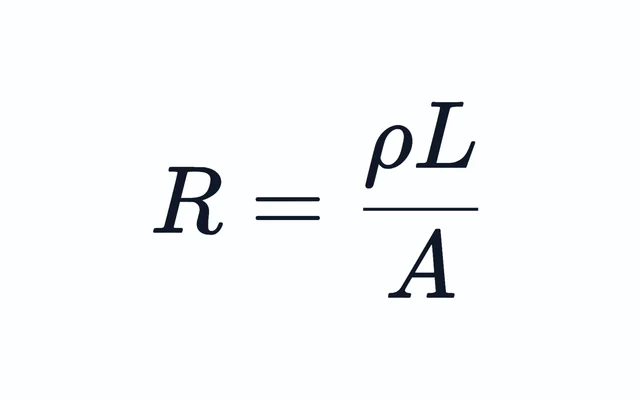
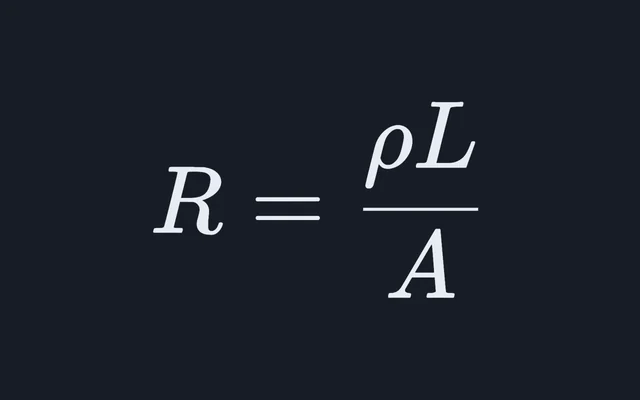
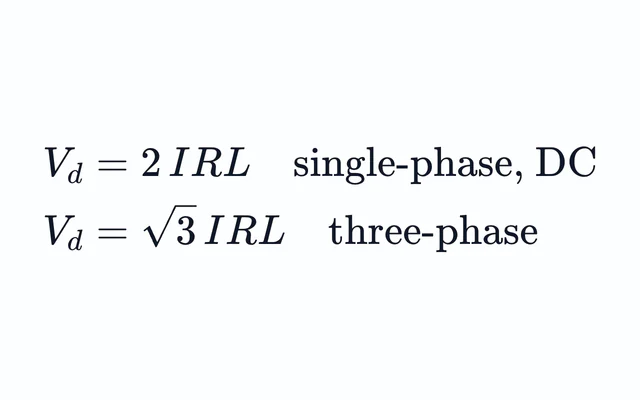
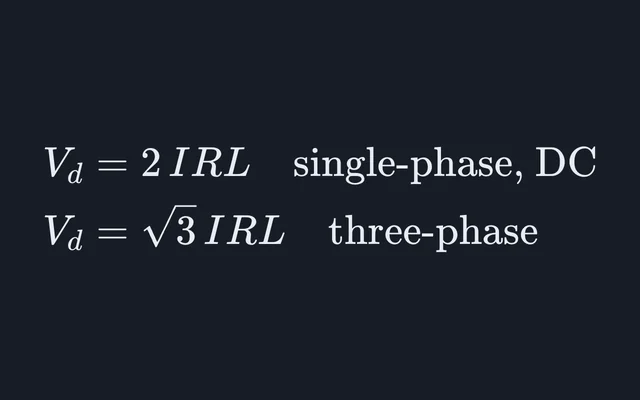
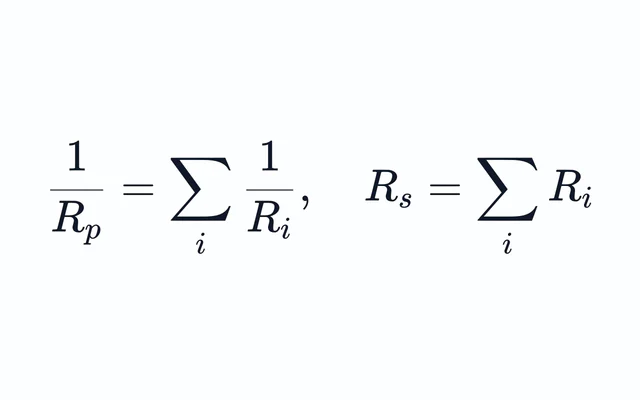
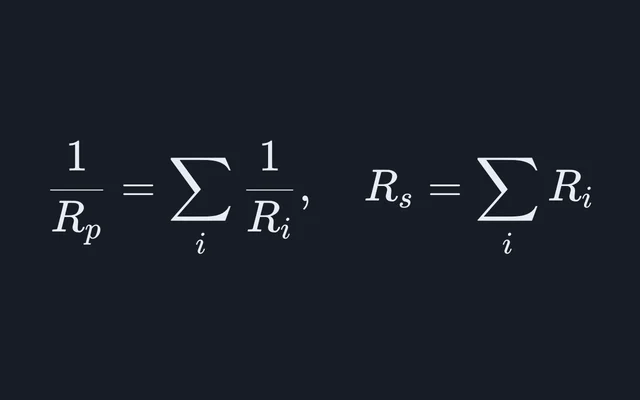
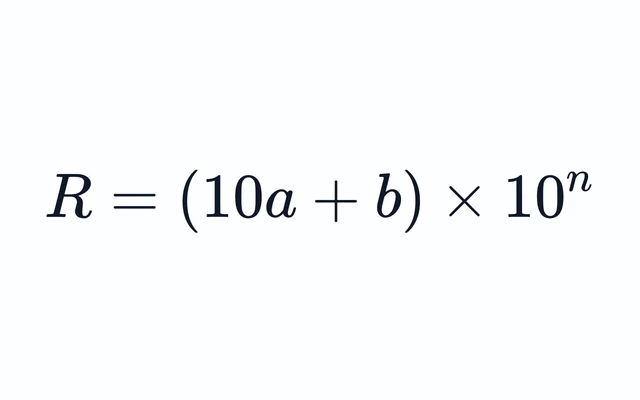
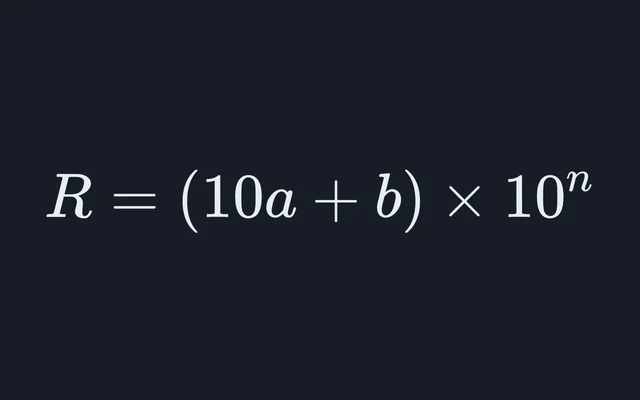
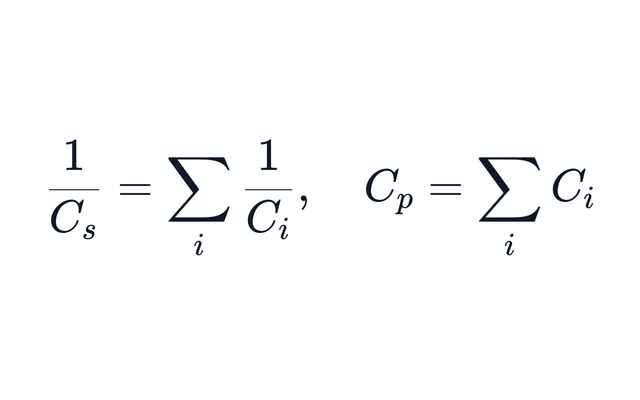
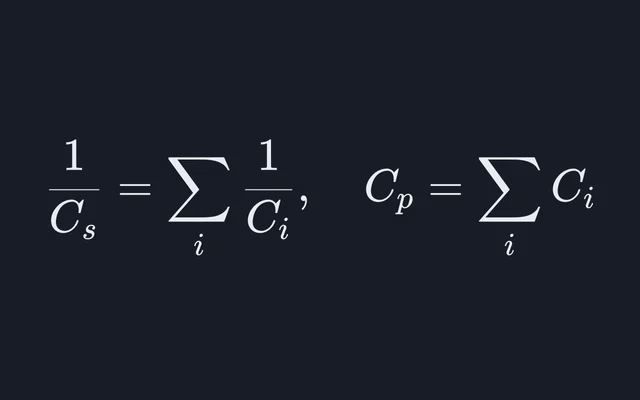
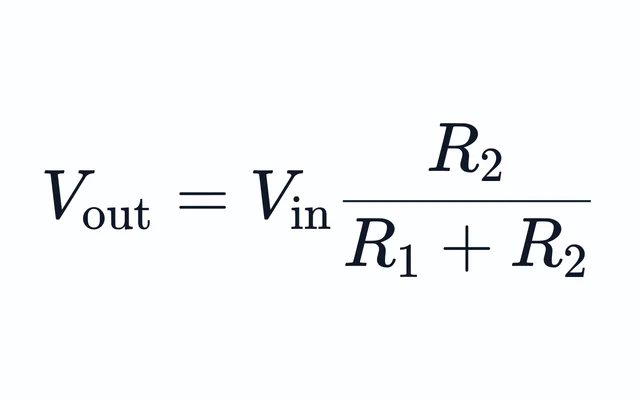
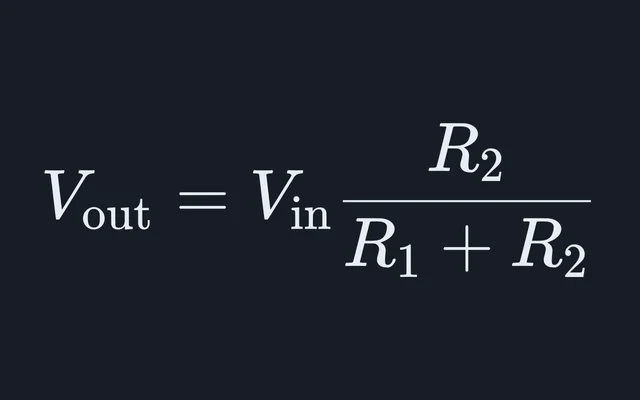
Circuits, resistors, capacitors and the energy they store.
Statistics and math
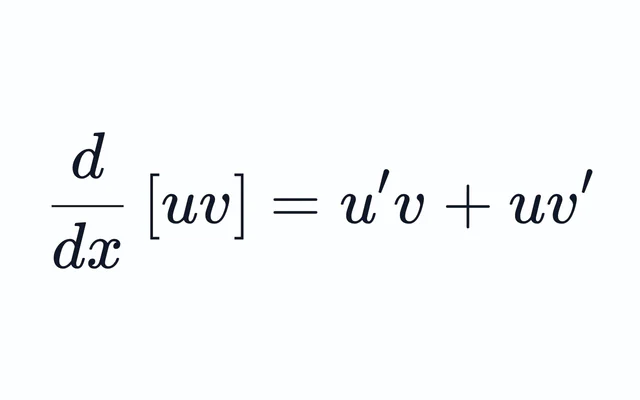
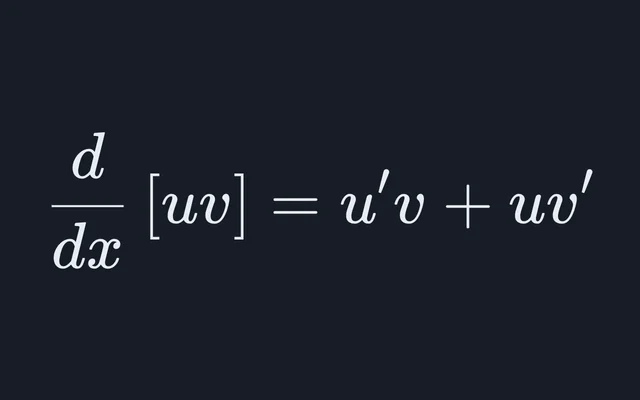
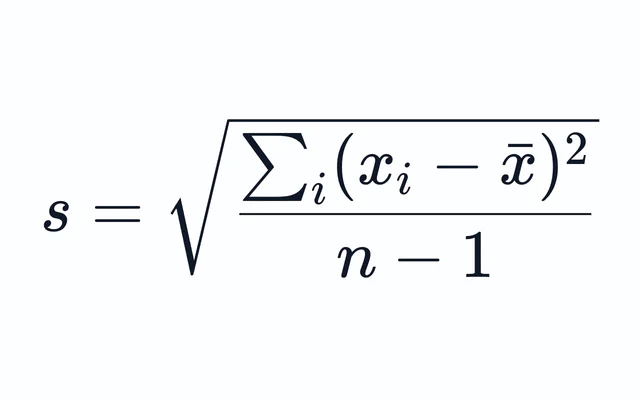
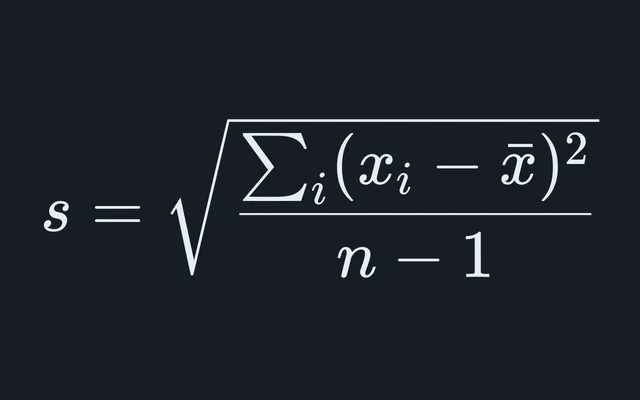
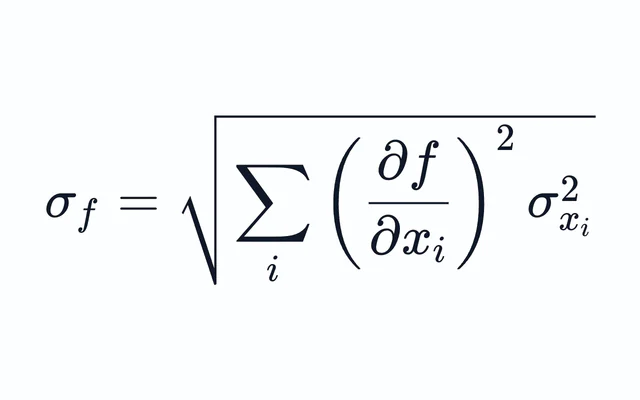
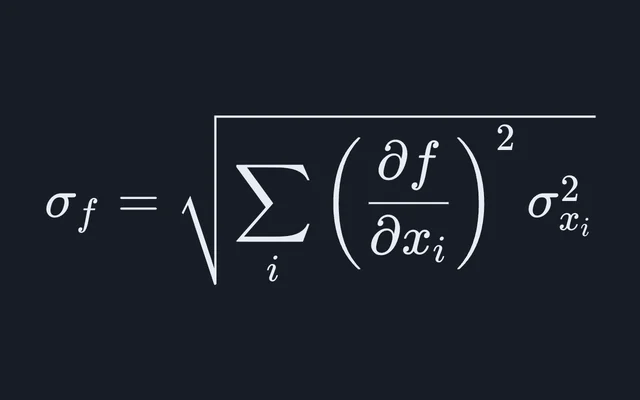
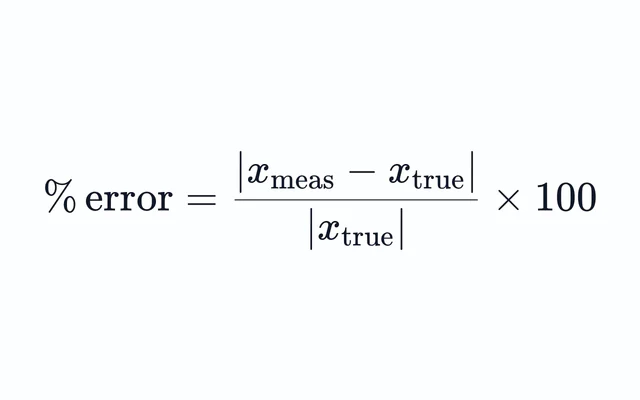
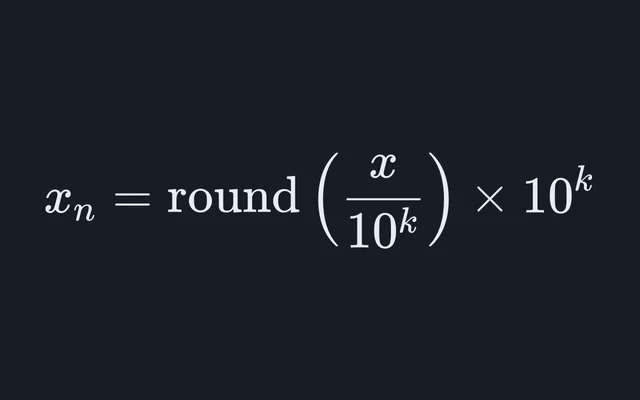
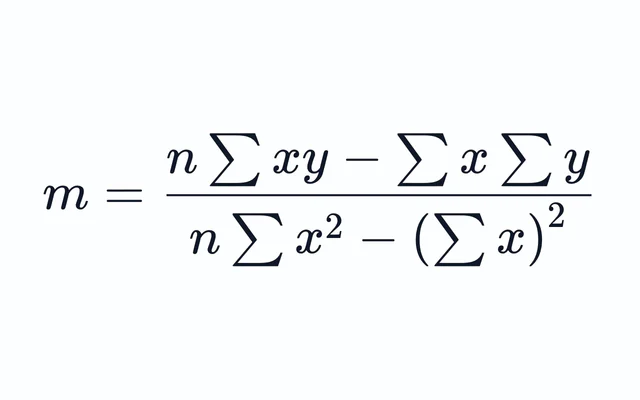
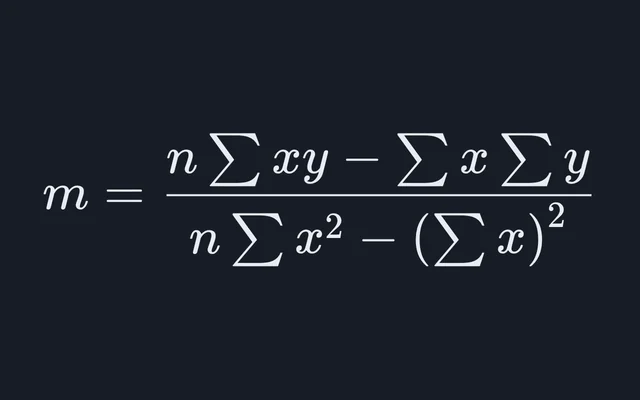
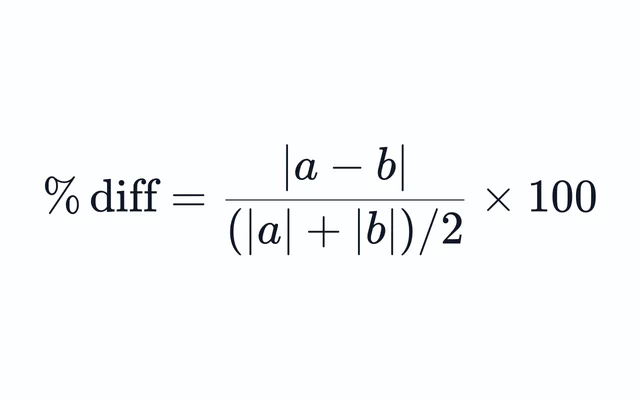
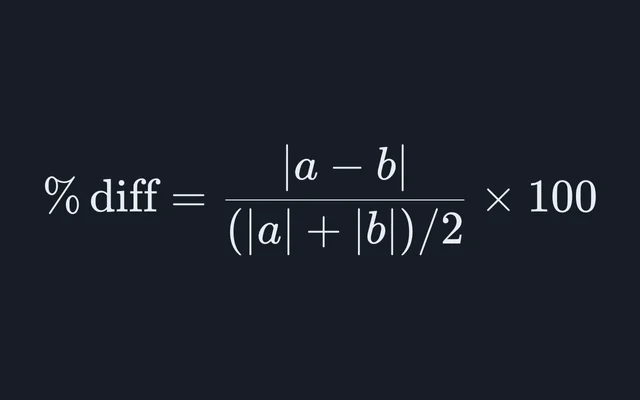
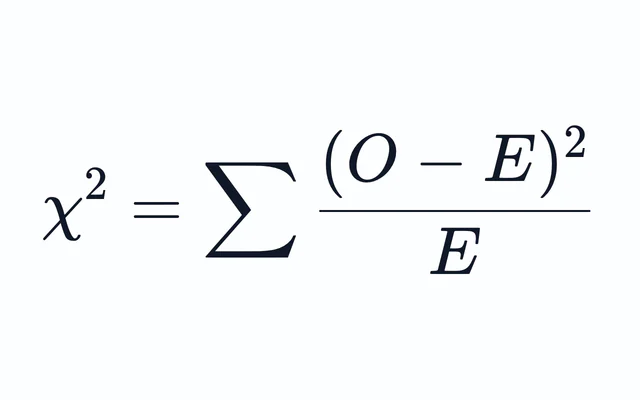
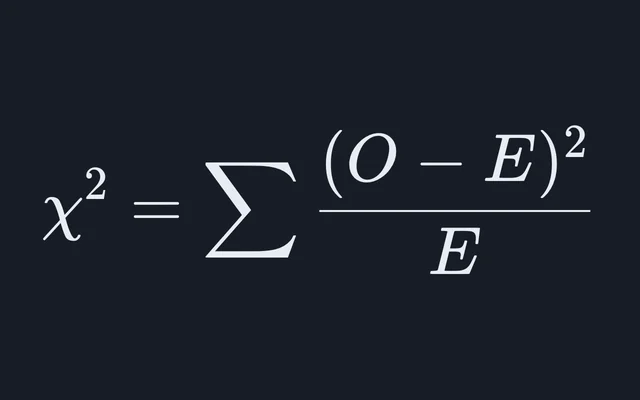
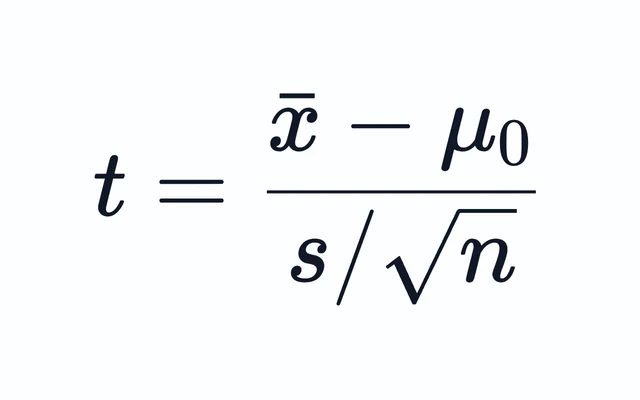
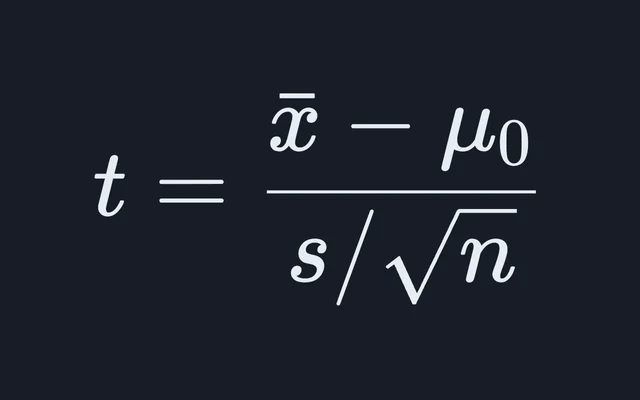
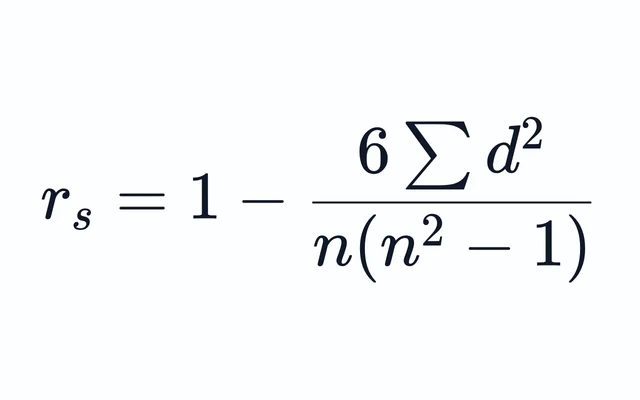
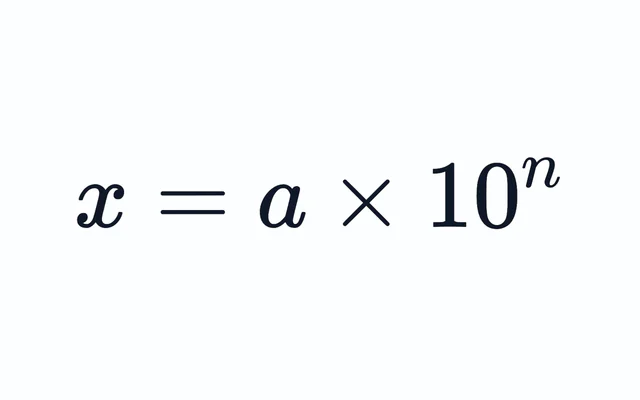
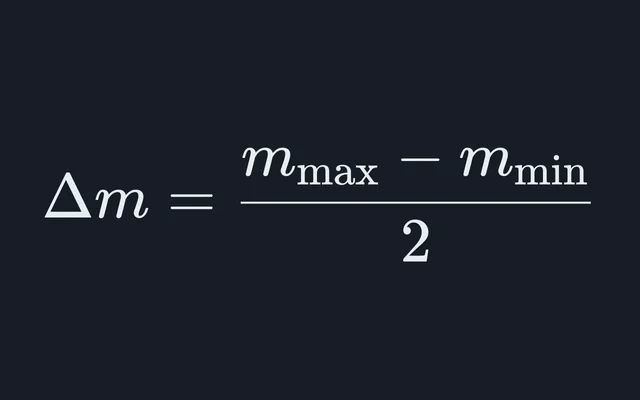
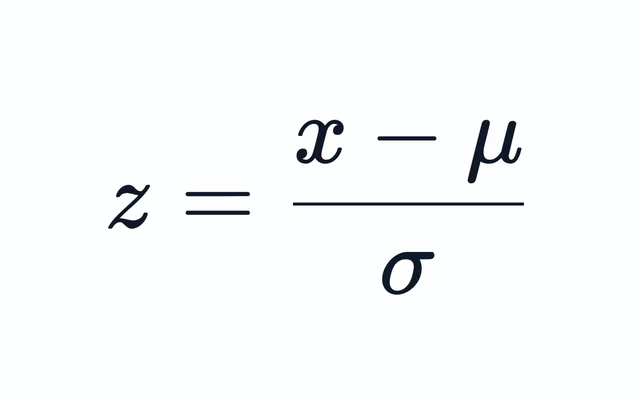
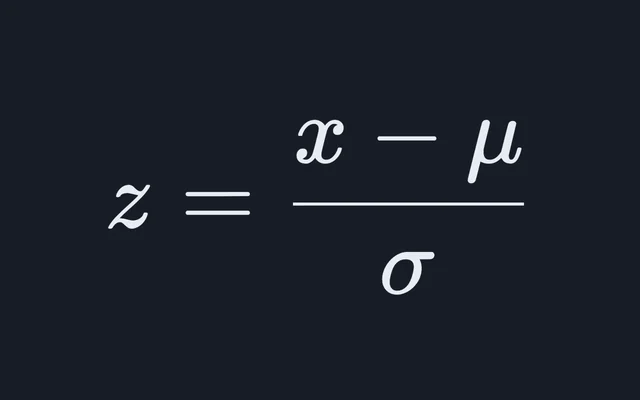
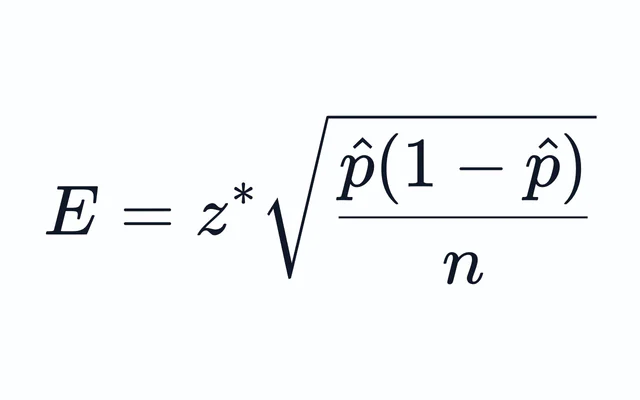
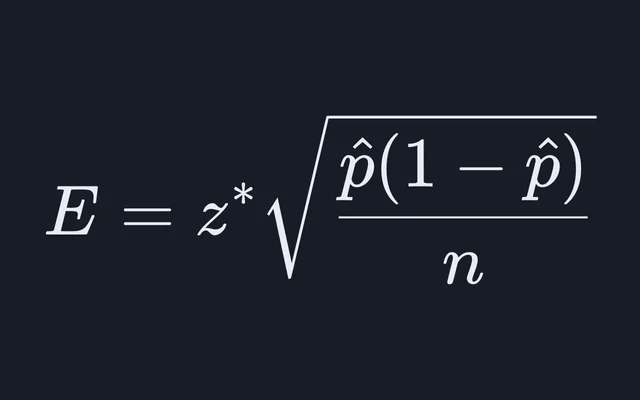
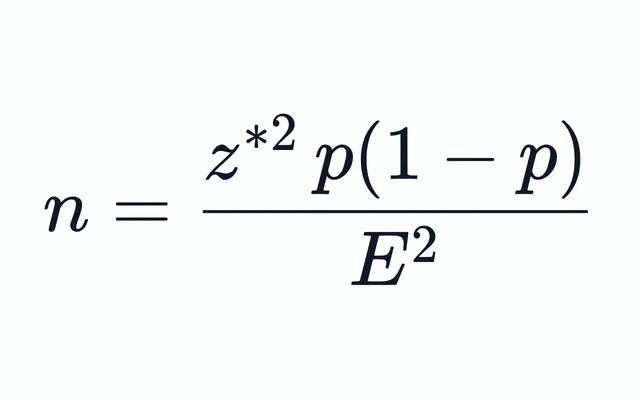
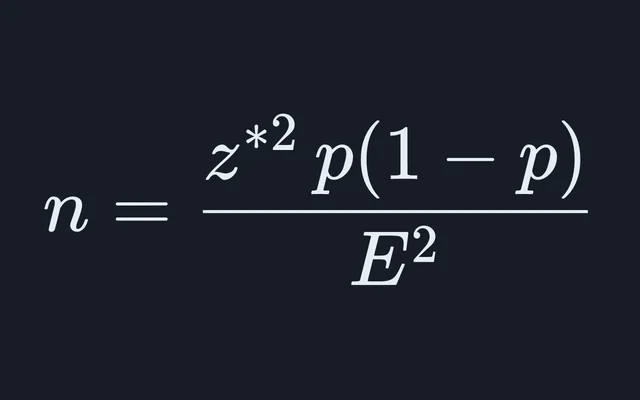
Spread, fit, uncertainty and significance, plus derivatives, notation and unit conversion.
Biology
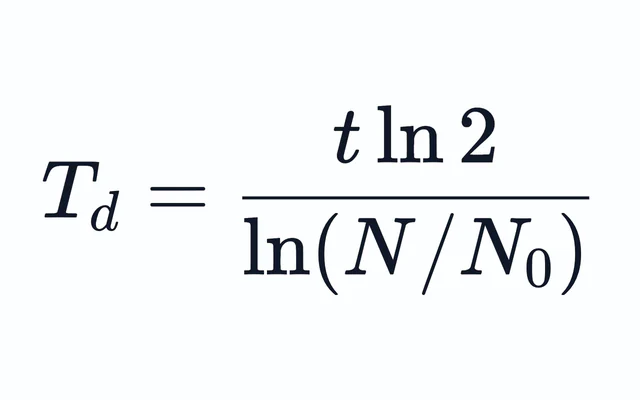
Genetics, ecology and the molecular biology bench.
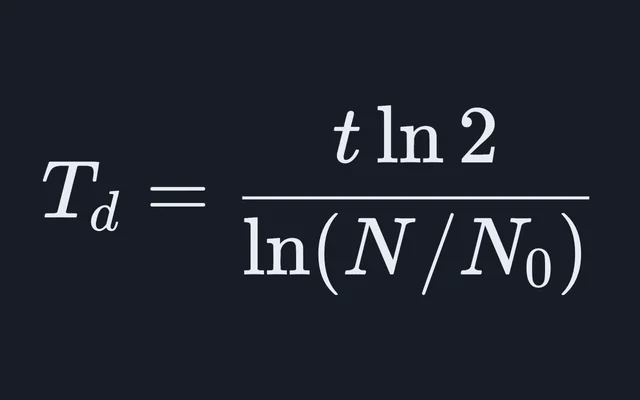
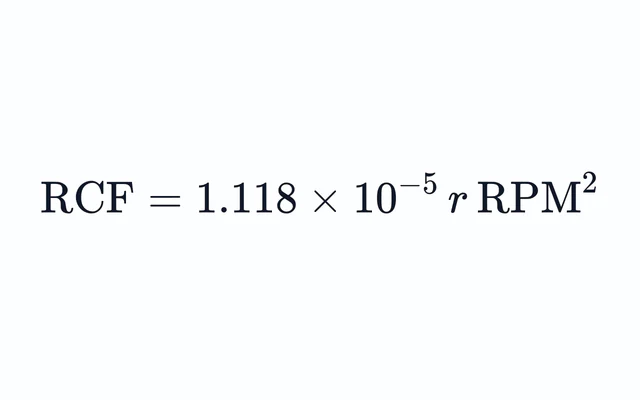
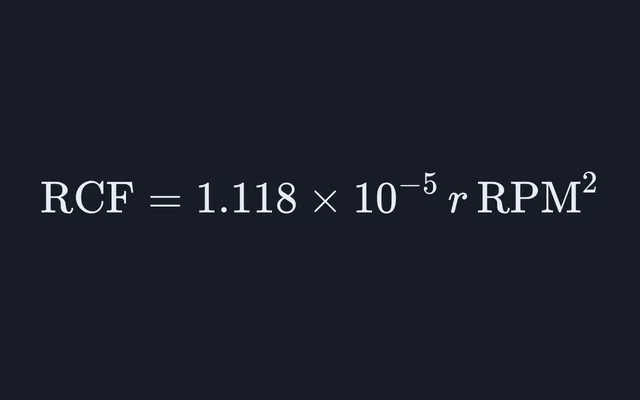
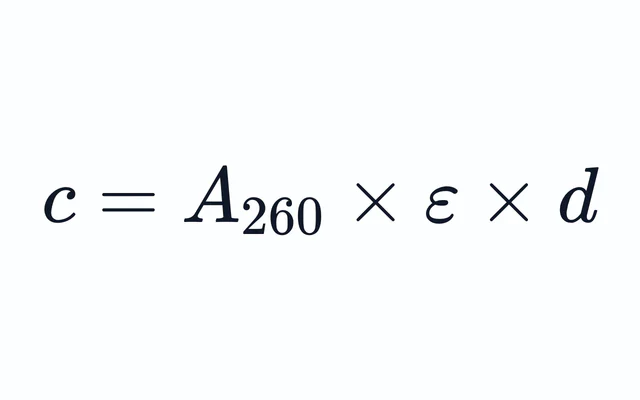
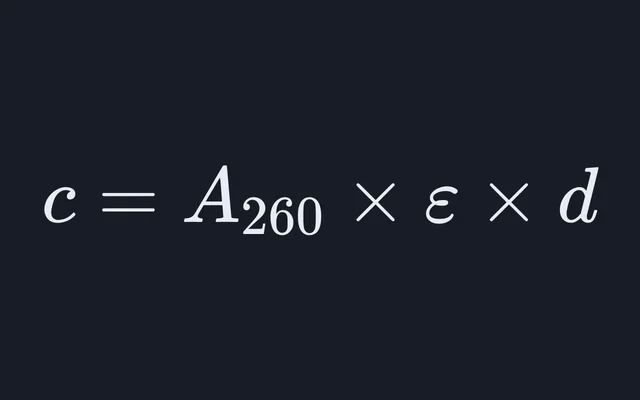
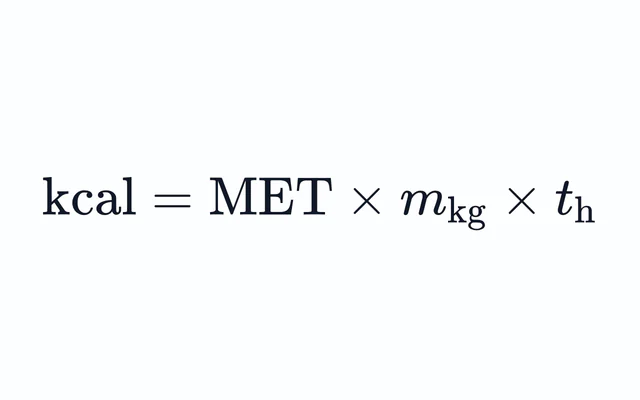
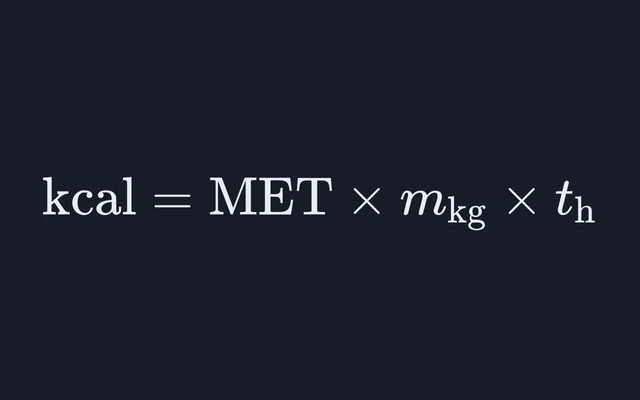
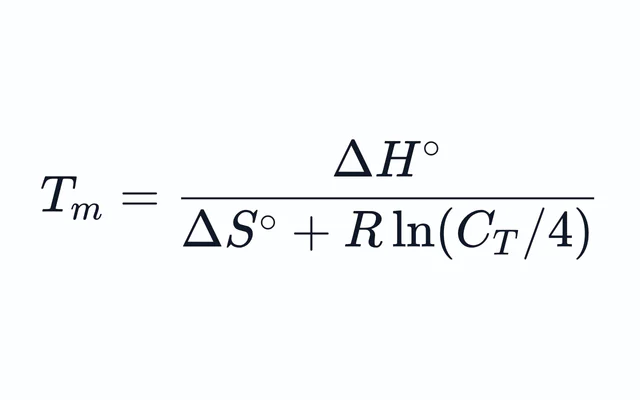
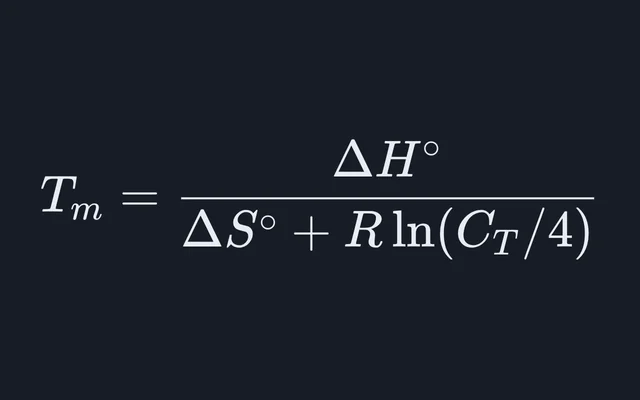
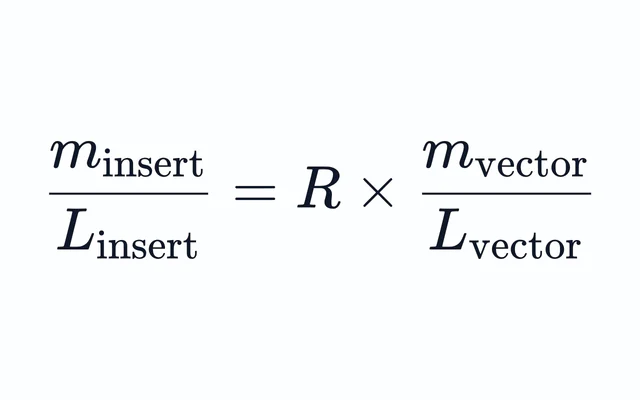
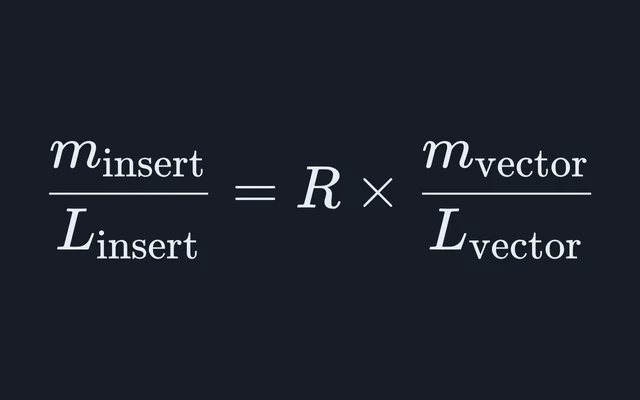
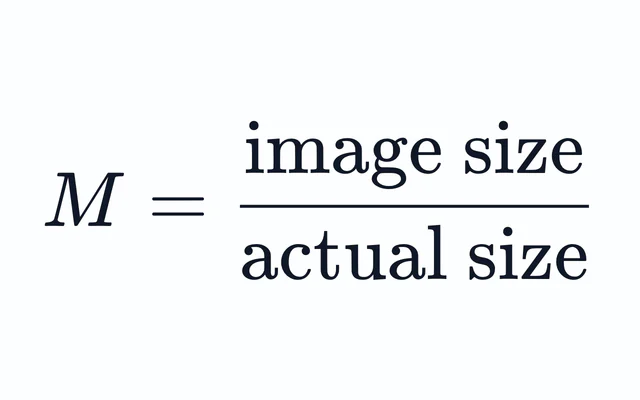
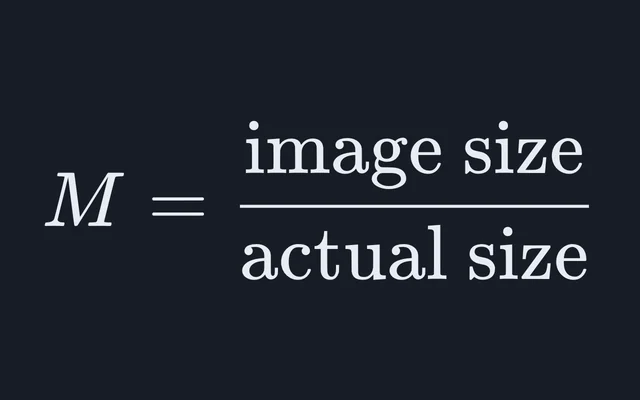
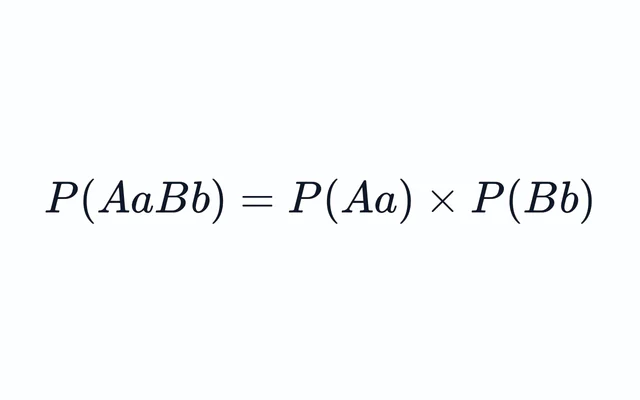
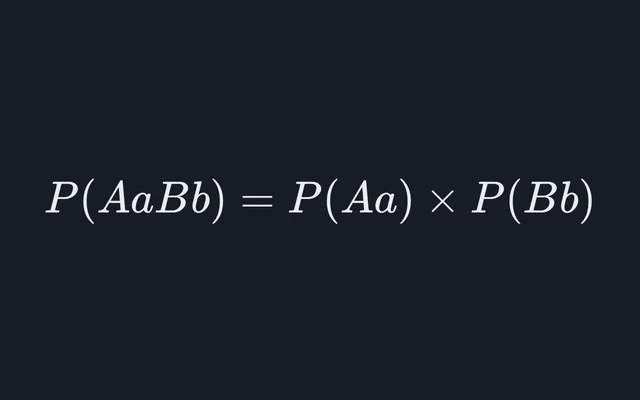
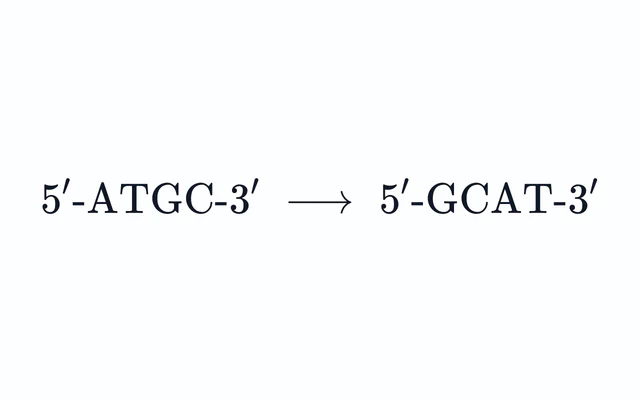
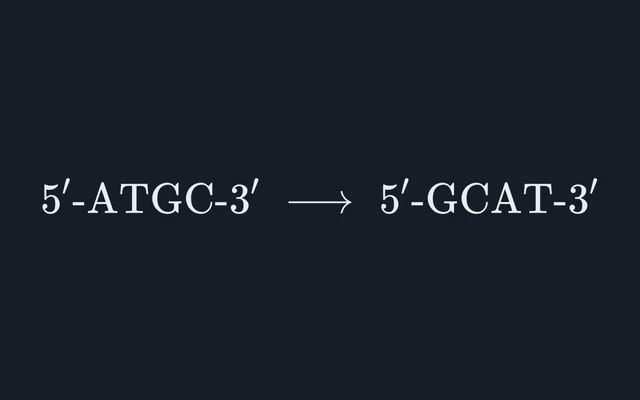
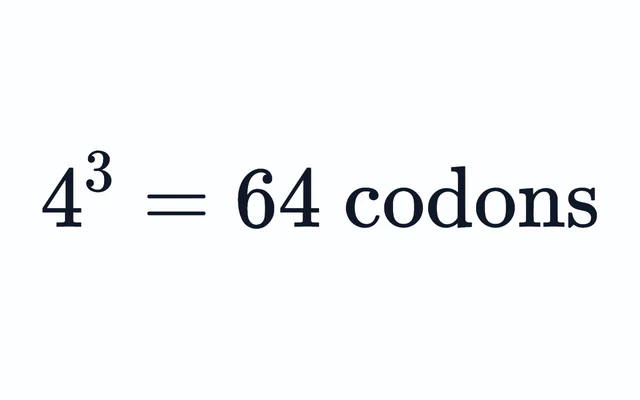
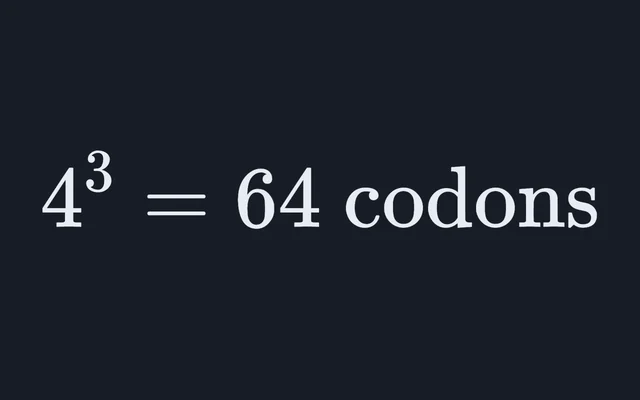
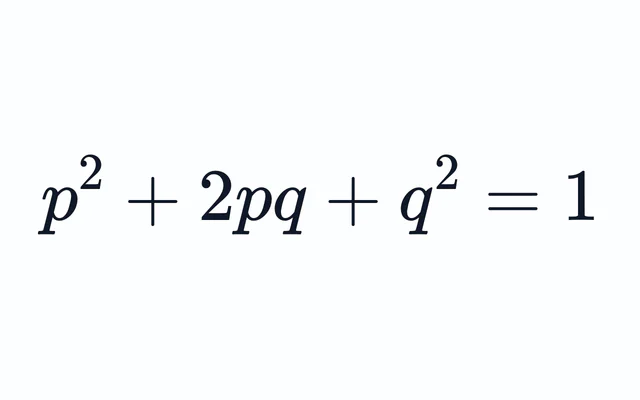
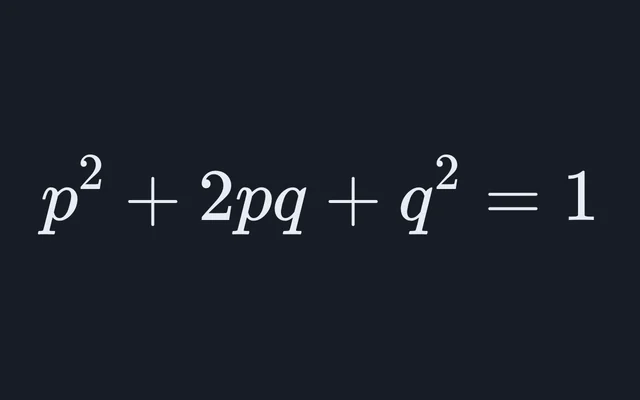
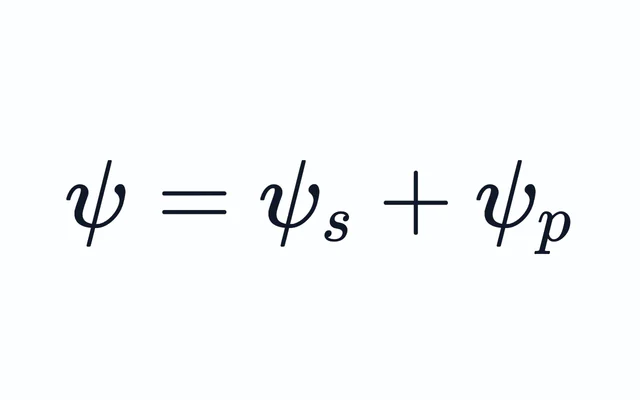
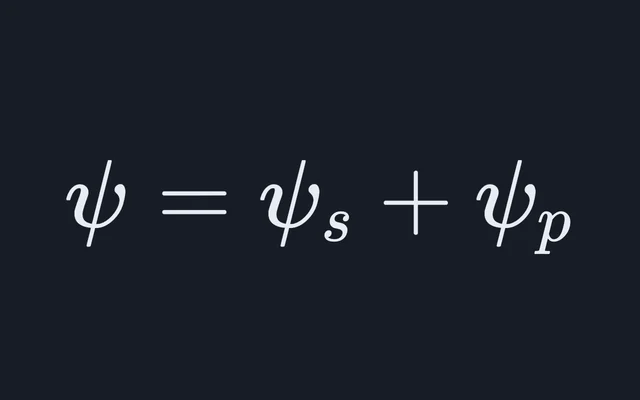
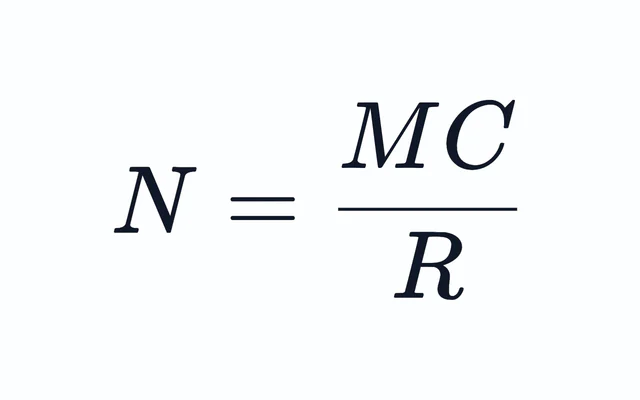
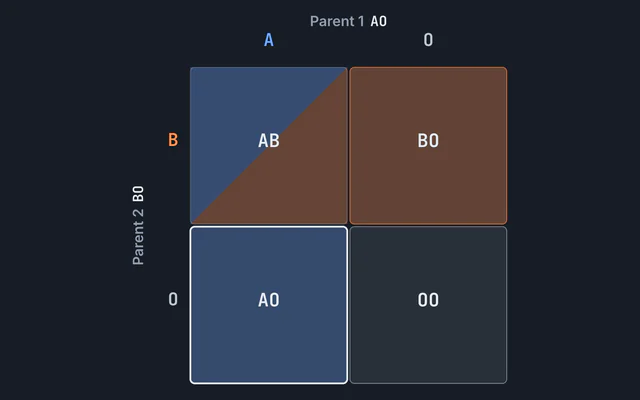
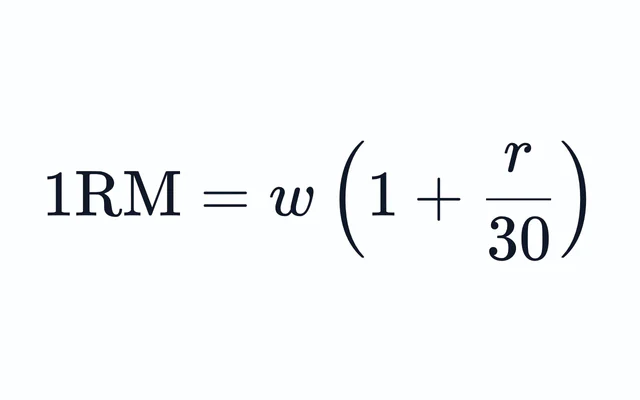
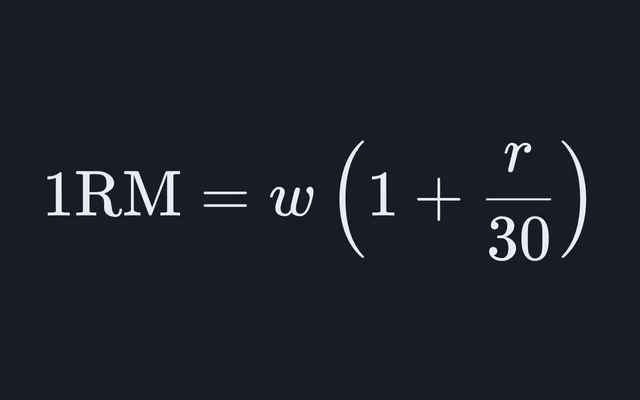
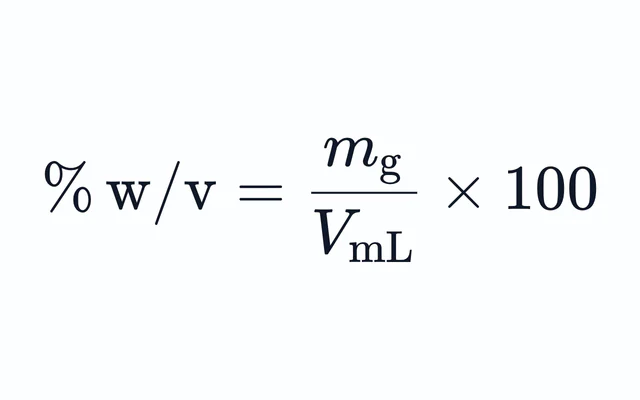
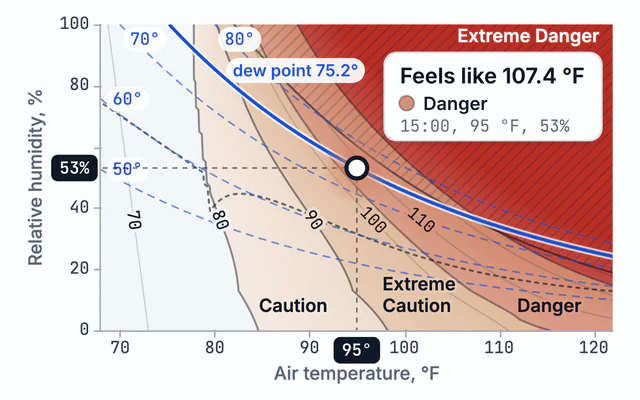
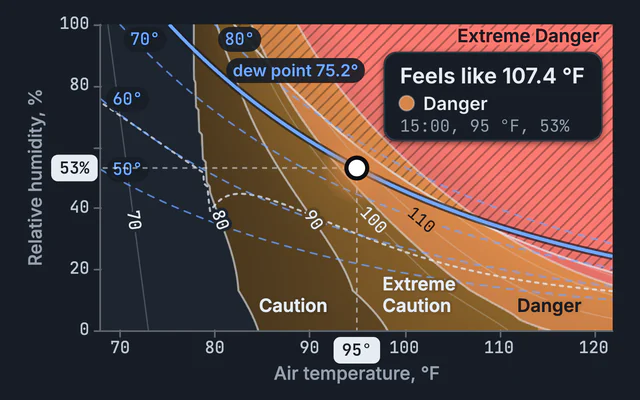
The groups follow the work a calculation is for. Dilutions, molarity and percent solutions sit together under the chemistry lab, and the beam diagram, thermal expansion and the psychrometric chart sit under engineering and HVAC, where a syllabus would split them between mechanics and heat.
Only the clinical group carries a standing caution. Each of those pages says beside its result that it is a study tool and not clinical decision support, and names the population its formula was derived in where that matters.
How do you check a calculator’s answer?
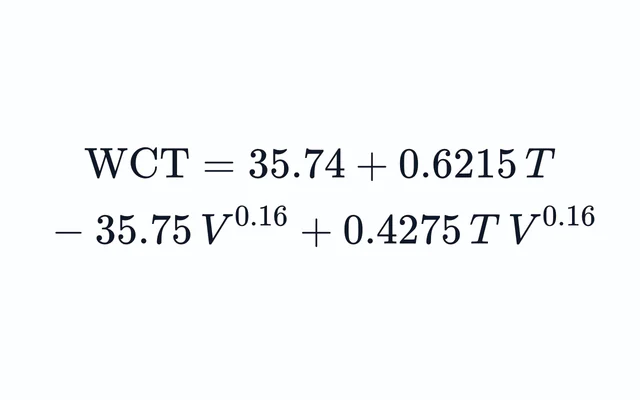
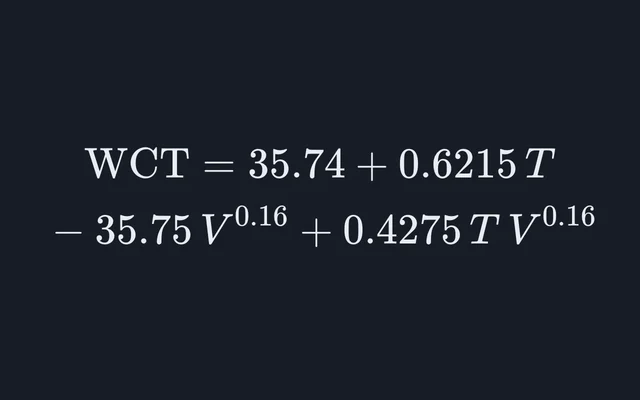
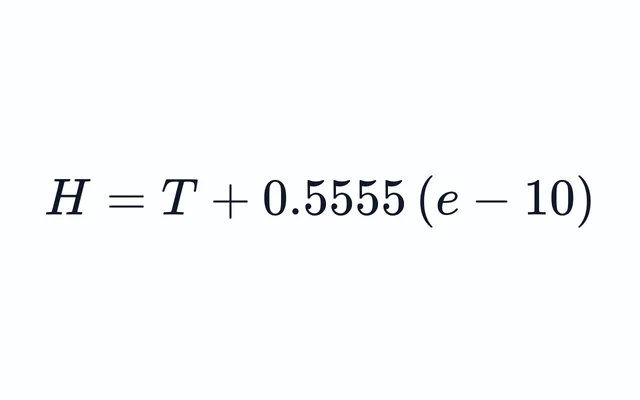
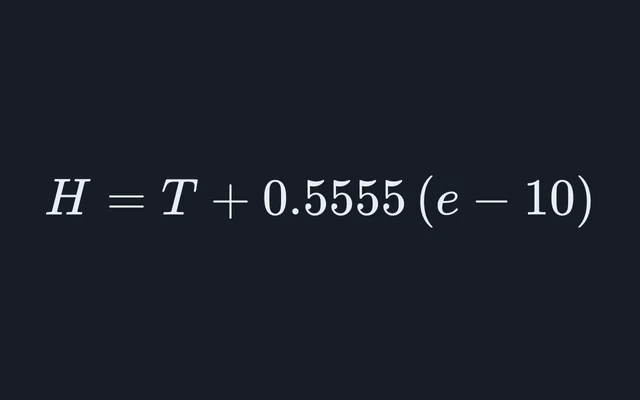
Work the same numbers through the equation by hand and compare the two. Every calculator here names its governing equation and the source it comes from, and the ones that print their working show each substitution on its own line, so a disagreement points at the exact step: usually a unit, a sign or a rounded intermediate.
Units, and the menus that remember them
Inputs with a unit menu convert whatever you choose to SI before the arithmetic and back afterwards, so the result does not depend on the unit you started in.
This device remembers the unit you pick for each quantity: choose kPa for one pressure, and other pressure inputs with a menu open in kPa from then on.
Sharing a calculation
Every calculator has a “Copy link to this result” button. The values on screen travel in the link, so a lab partner or a class opens the same calculation instead of retyping it.